See what brings bookings
Know which channel filled the diary, not just which one got clicks
The situation
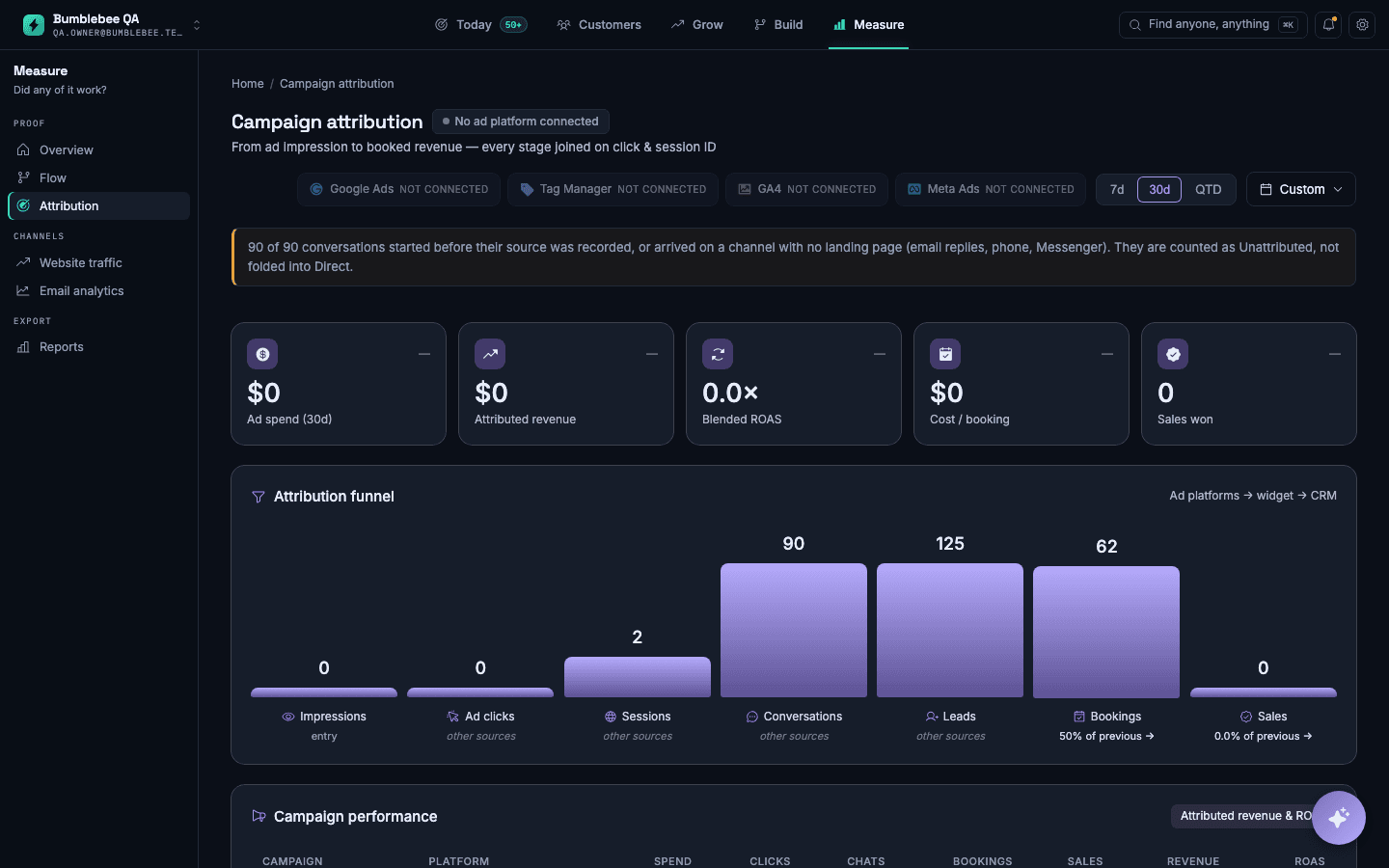
A dentist runs ads, a newsletter and a Google listing. Each one reports its own numbers, and nobody can say which one filled the diary.
How to set it up
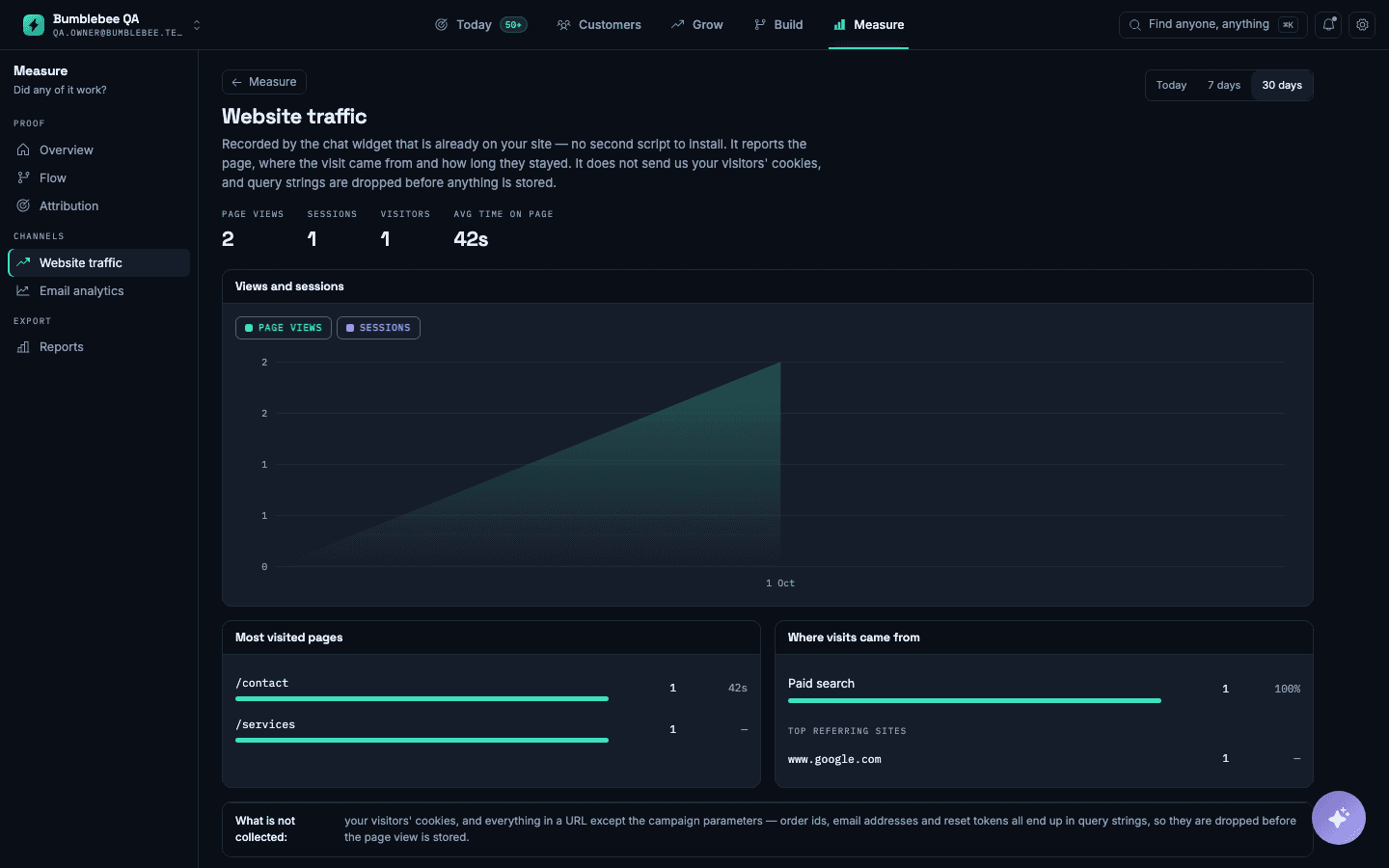
- Install the chat widget that is already part of your website, which records where visits come from.
- Connect your ad accounts if you want spend included in the figures.
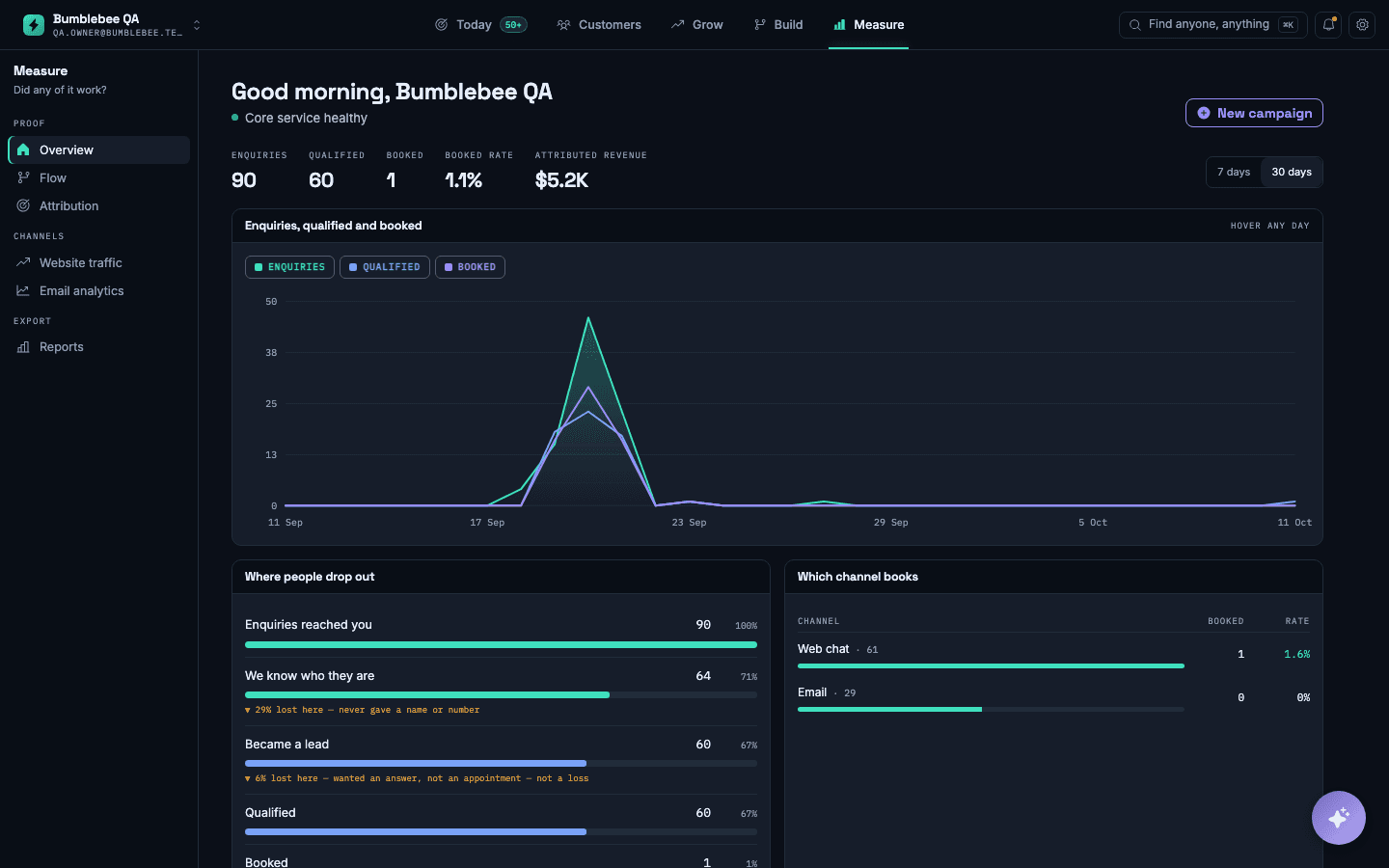
- Choose the time window you want to review: today, the last seven days or the last thirty.
- Read the drop-off view to see where customers leave between the first message and the booking.
What you will see
Enquiries, bookings and where people drop out, with each channel's bookings shown beside its volume.
What it does not do: Spend appears only for ad accounts you have connected. Without them, the figures show bookings and enquiries, not cost per booking.