Reviews after visits
Ask for a review at the moment it is easiest to give one
The situation
A hair salon is busy, and happy customers leave without ever being asked. The one unhappy customer writes the first review anyone reads.
How to set it up
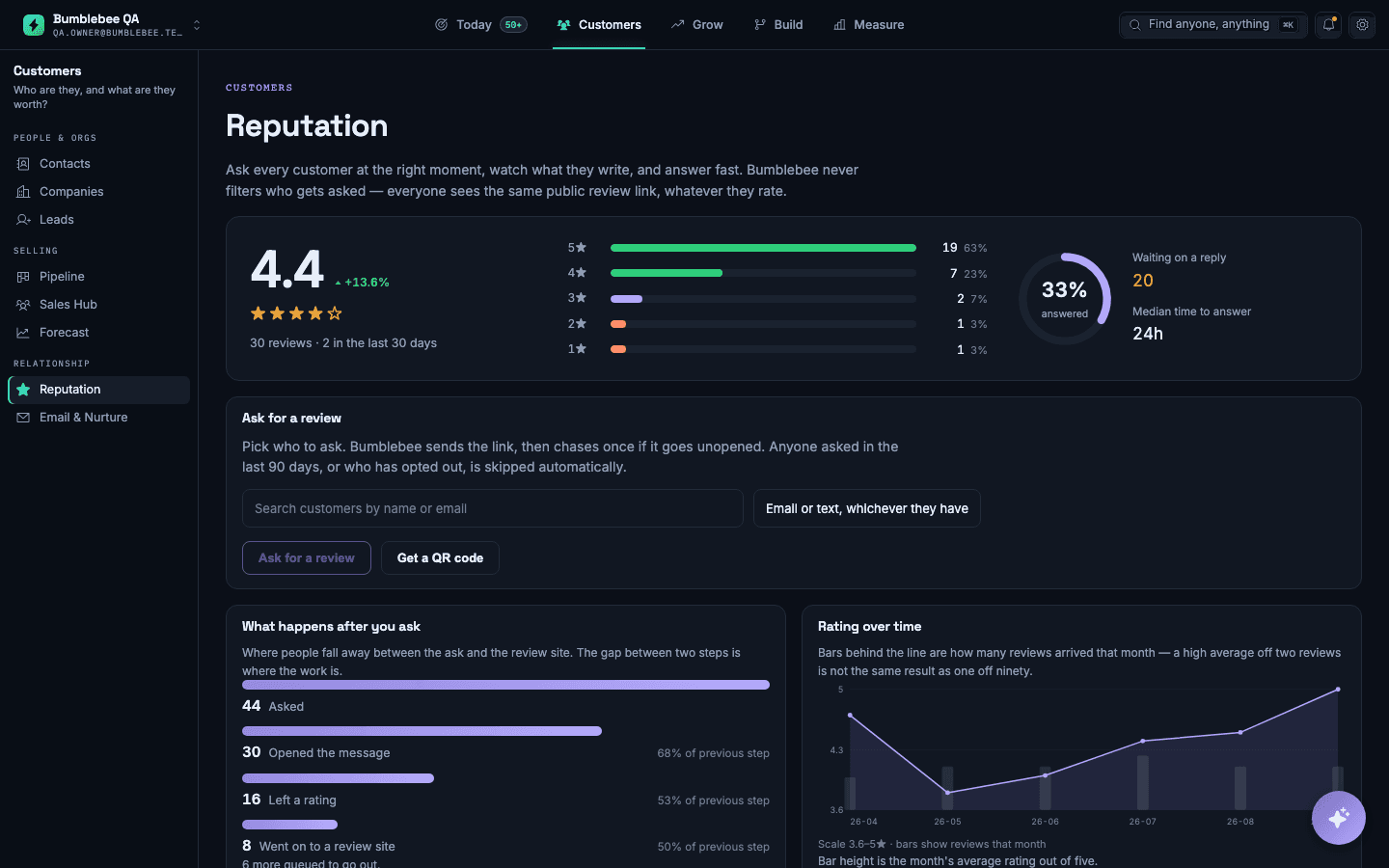
- Connect your review sites and the calendar you book from.
- Choose when the request goes out after a visit, and which channel to use.
- Add the people you do not want asked, such as anyone who has opted out.
- Use the review queue to reply, with the visit details shown beside the review.
What you will see
Your rating, the reviews that came in this month, and how many people opened the request and left one.
What it does not do: It asks everyone on the same basis. It does not filter who gets asked, and it will not help with incentivised reviews.