A website that books
Turn visitors into appointments without them leaving the page
The situation
A plumber gets a lot of visitors from Google and a few calls, but the old website is a brochure with a phone number and no way to book.
How to set it up
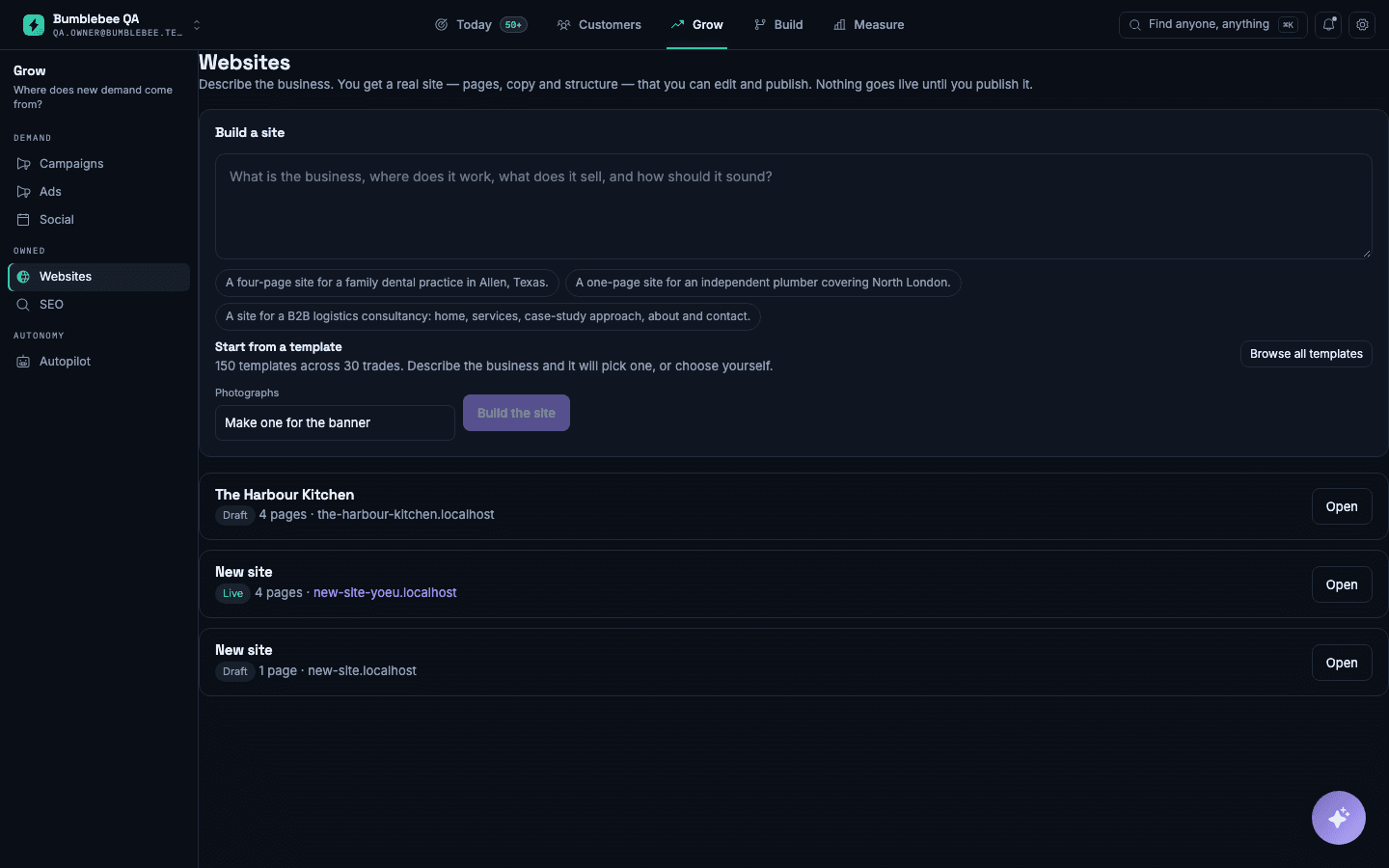
- Describe the business, the areas you cover and the services you offer.
- Review the pages Bumblebee writes, and edit any section you want to say differently.
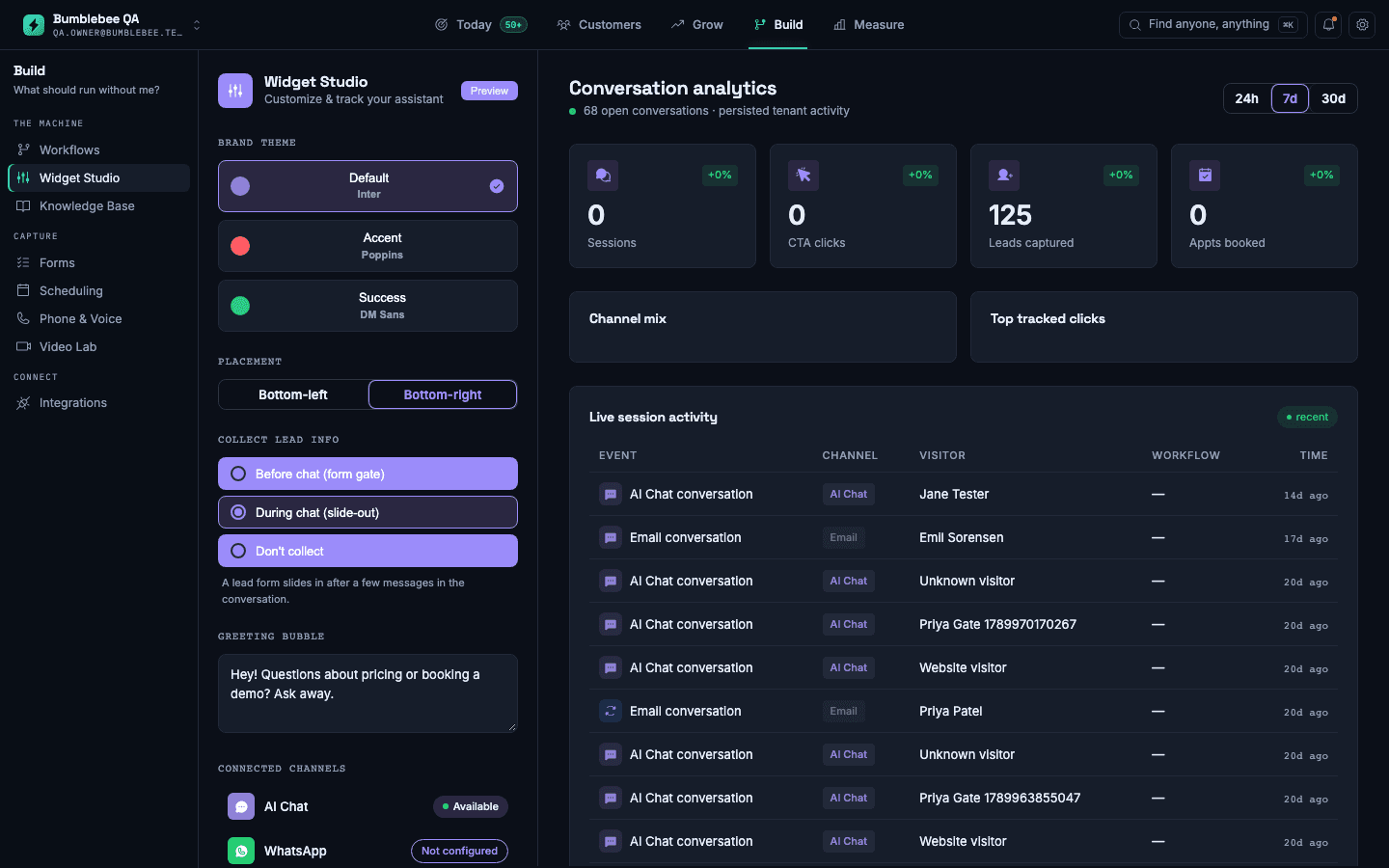
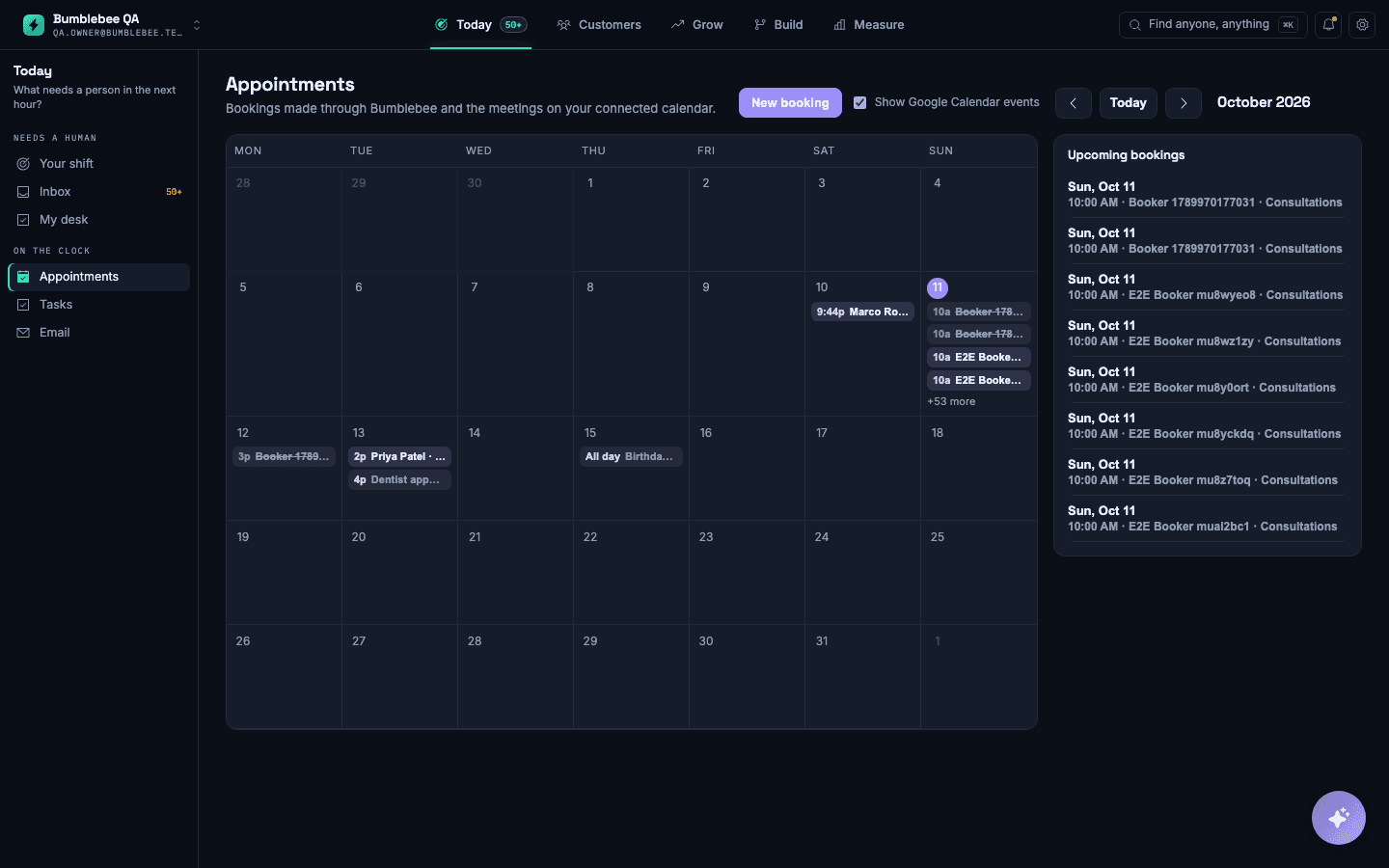
- Connect the booking calendar and the enquiry form before you publish.
- Point your own domain at the site, or start on a free address and move later.
What you will see
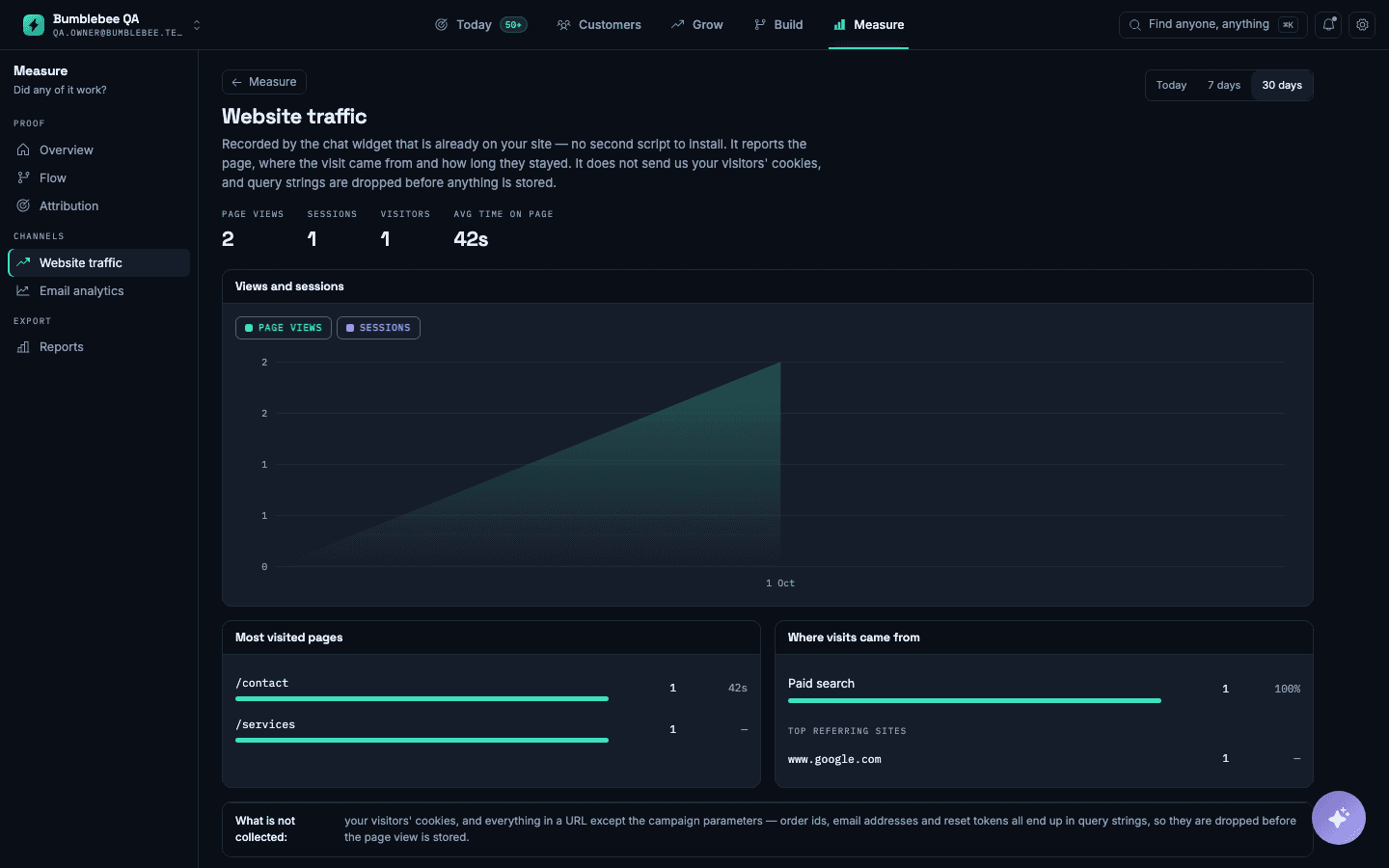
Booking and enquiry activity from the site in the same inbox as your calls and messages, so you can see which pages bring in customers.
What it does not do: It builds and hosts the site. If you already have a website you want to keep, you can still use the chat and booking tools on it.