Campaigns and ads
Spend where it books, not where it clicks
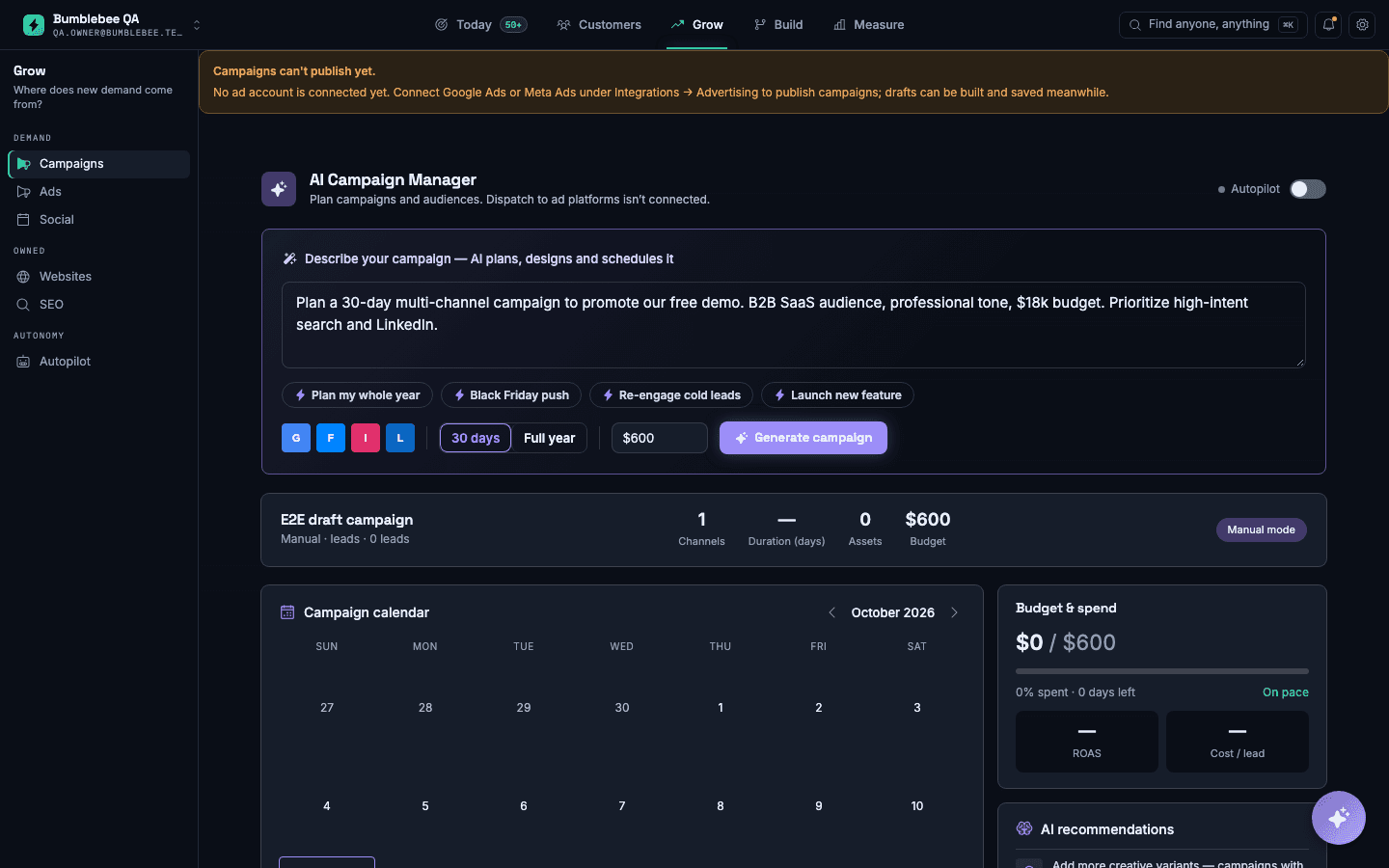
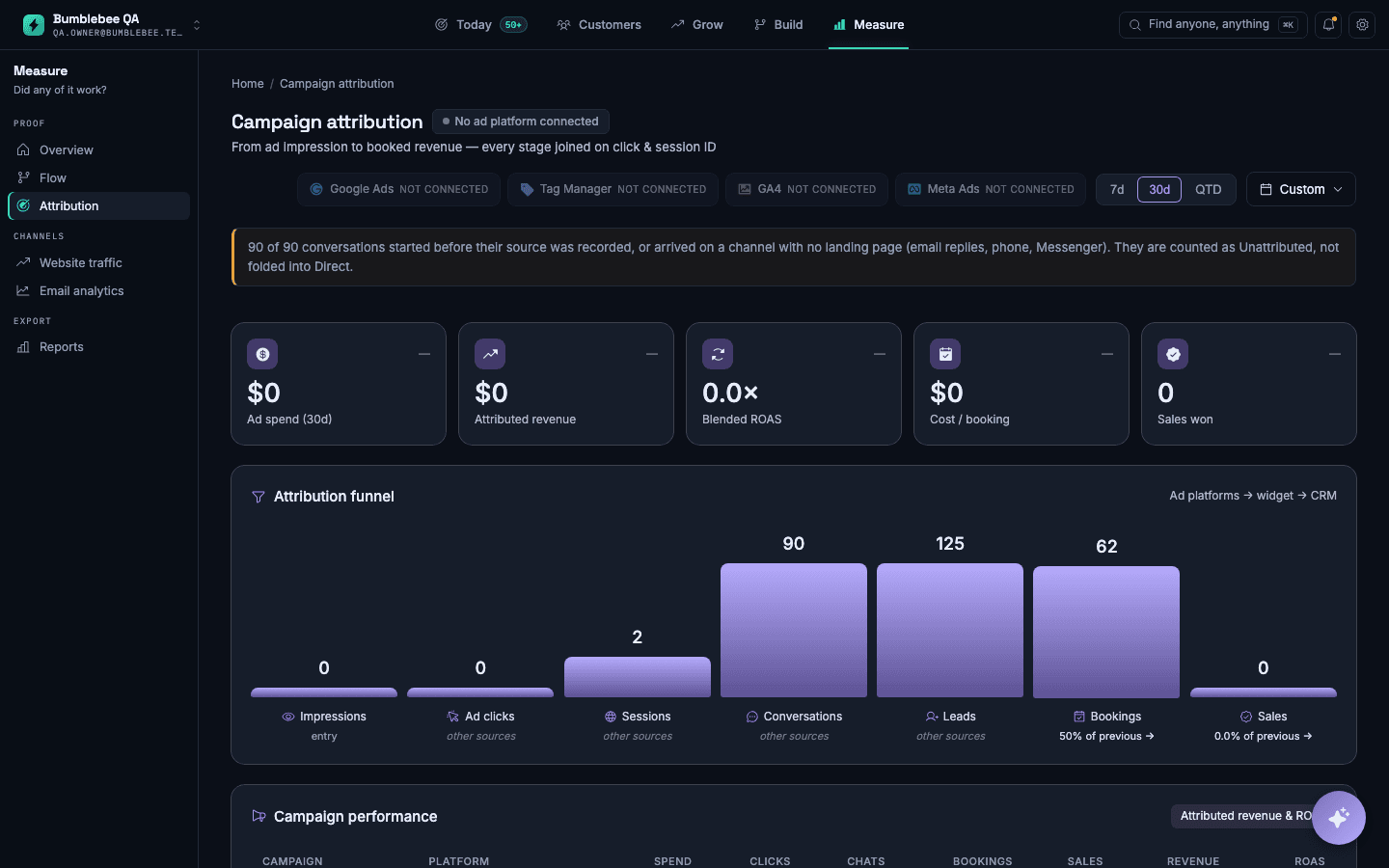
Your advertising reports clicks and your diary reports appointments, and nothing connects the two. So the budget goes to whichever campaign has the prettiest graph.
What it does
Every campaign in one place
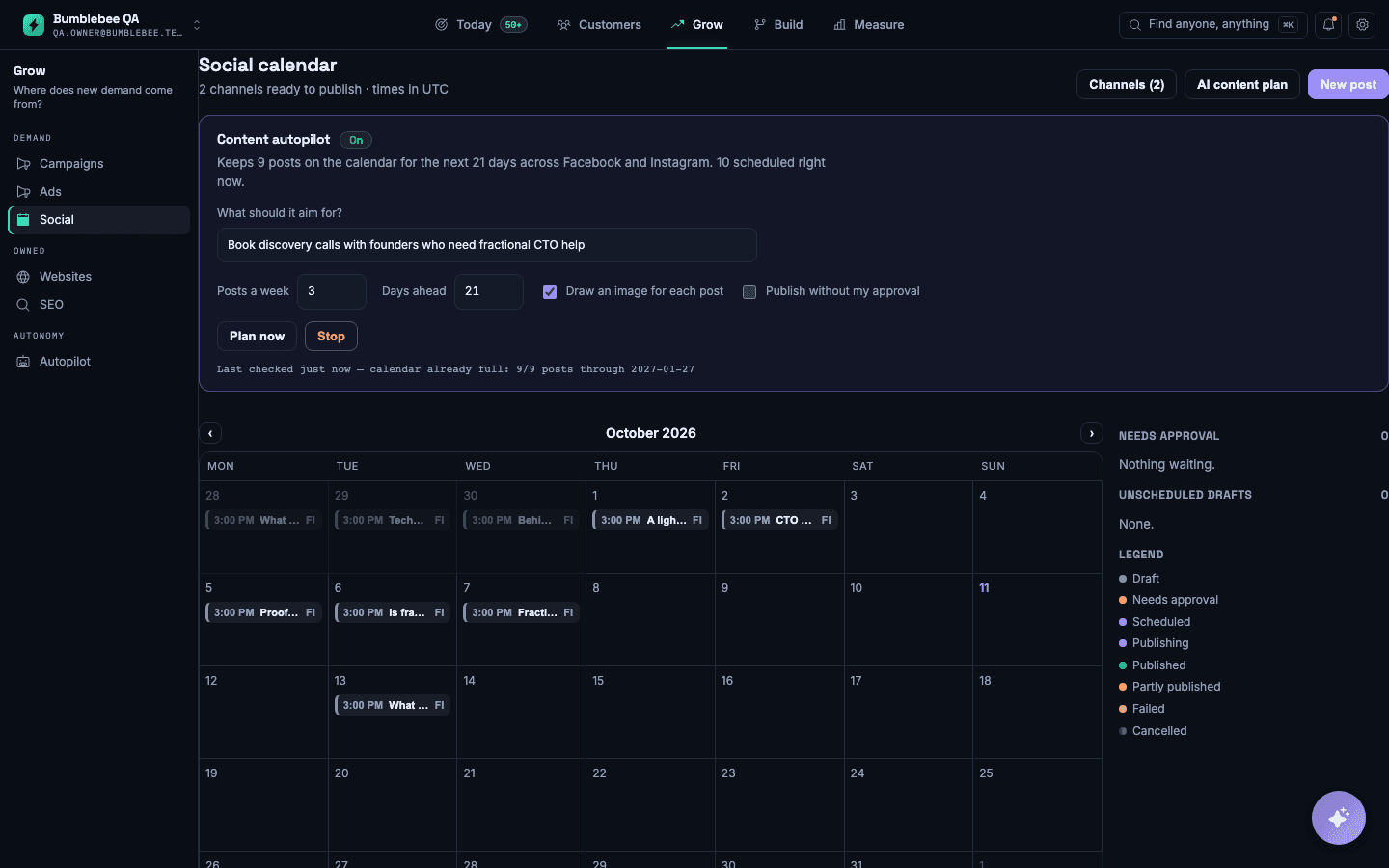
Email, social, paid search and retargeting, planned and scheduled together instead of in four separate tools nobody logs into.
Judged on bookings, not clicks
Each campaign shows what it spent and what it filled. Cost per booked appointment, not cost per click.
Follows up without nagging
Somebody who enquired and went quiet gets a sequence that stops the moment they reply or book.
What changes: You can say which advert paid for itself, and move the money accordingly.
Questions people ask
Do I need to connect my ad accounts?
To report spend, yes. Everything else — email, social, nurture — works on its own.
Will it spend money by itself?
Never without you. It proposes a change and explains the reasoning; moving the budget is always your decision.
Works with
- Website traffic — see who is on your site, where they came from, and what it was worth
- Flow — find the step where customers drop out
- Reputation — more reviews, and an answer to the bad ones before they settle