After-hours enquiries
Answer the calls and messages that arrive when you are closed
The situation
A small clinic closes at six. Enquiries keep arriving until ten at night, and by the next morning most people have booked somewhere else.
How to set it up
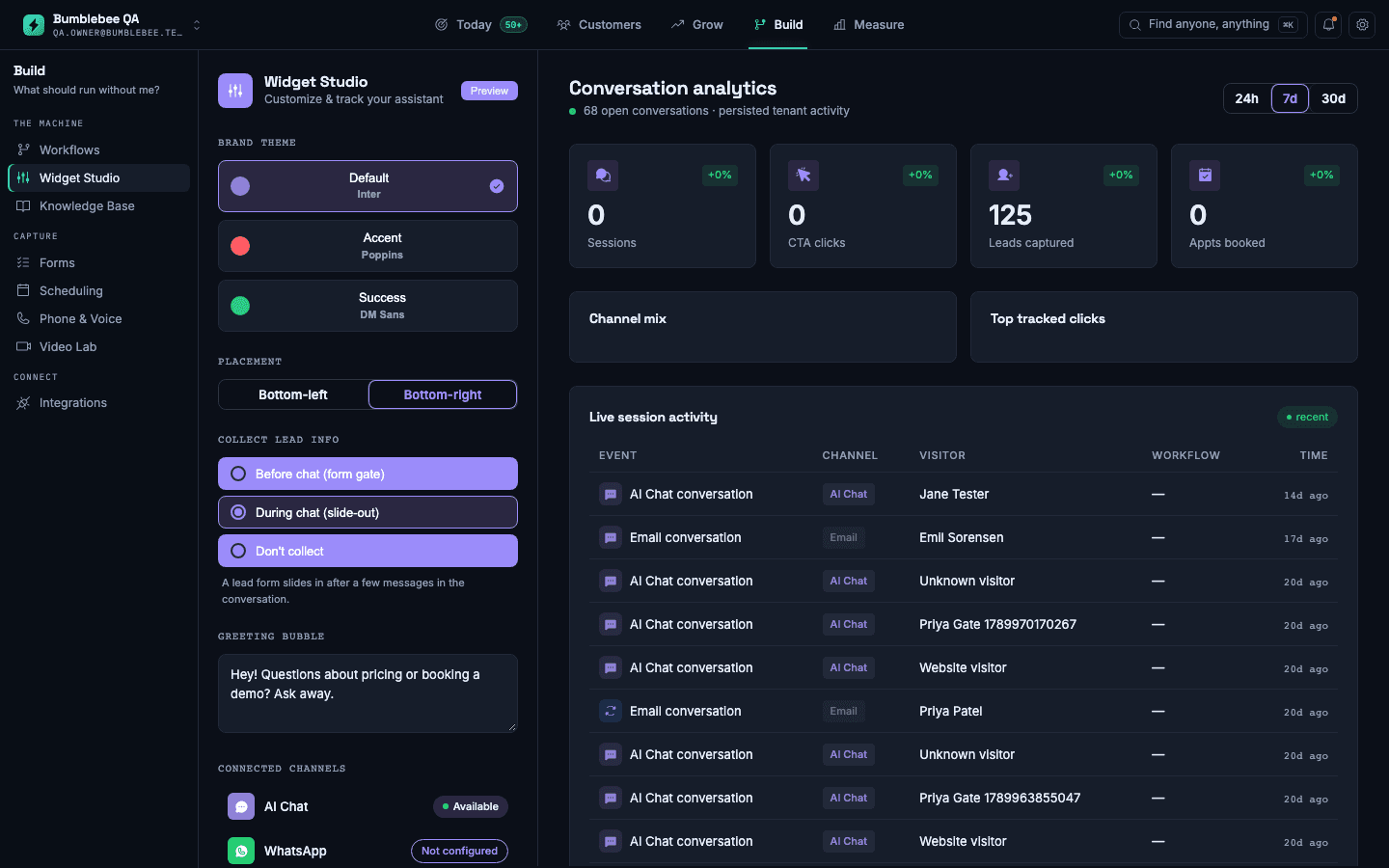
- Connect your business phone number and the chat widget on your website.
- Add your opening hours, prices you have published, and the questions you already answer by hand.
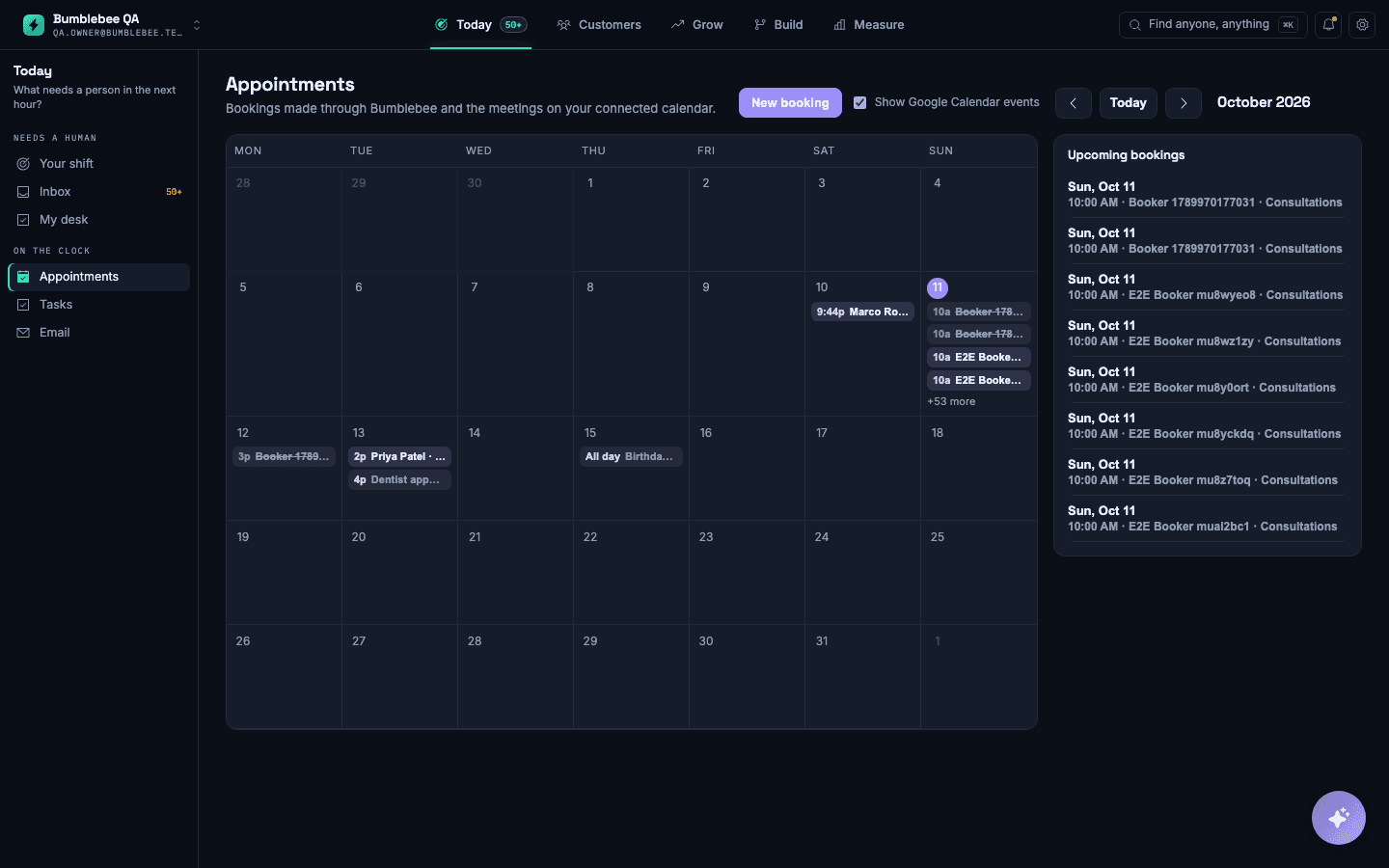
- Connect the calendar you book from, so the assistant only offers times that are free.
- Choose what it must never decide itself, such as pricing exceptions or anything clinical, and it will pass those to you.
What you will see
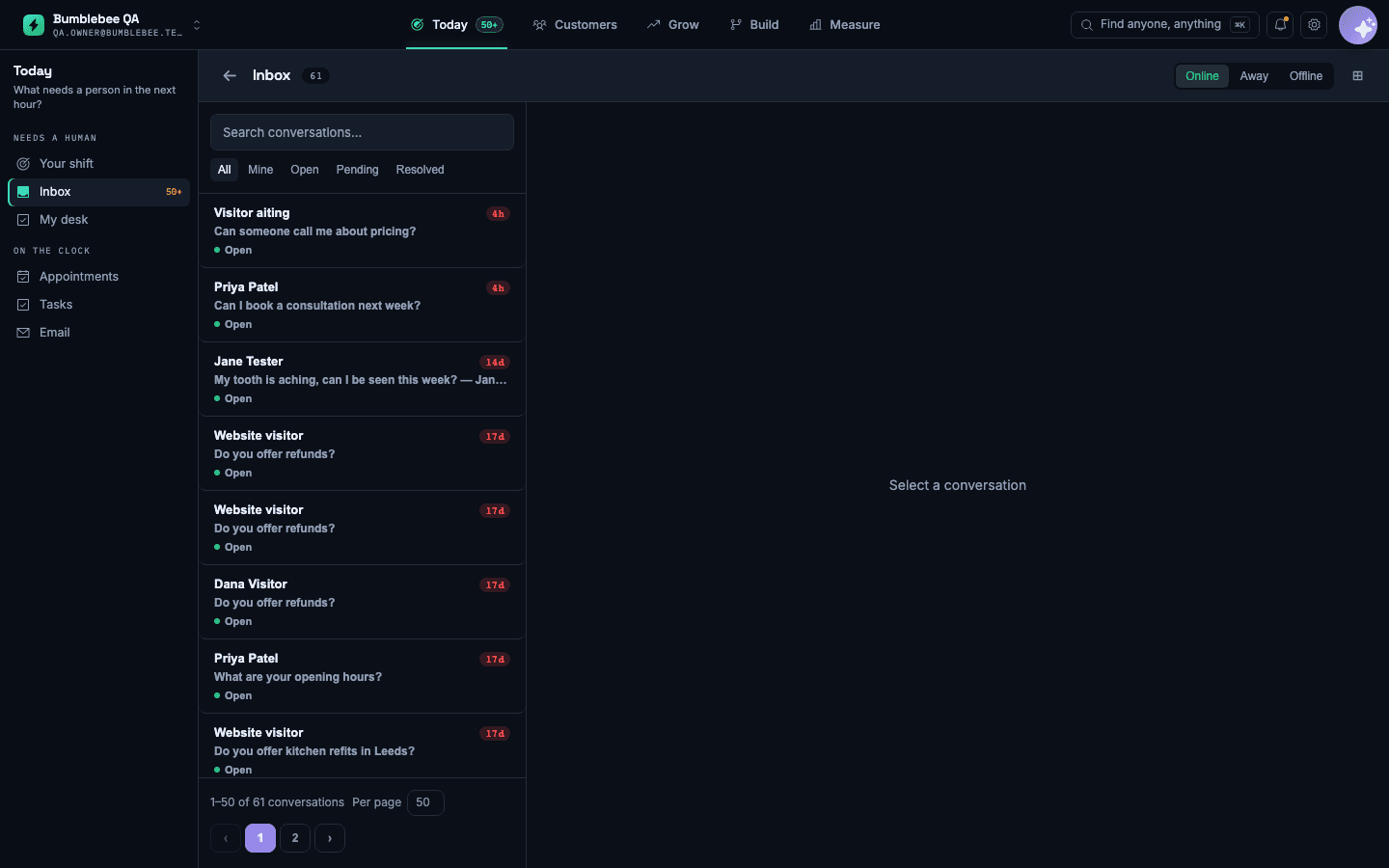
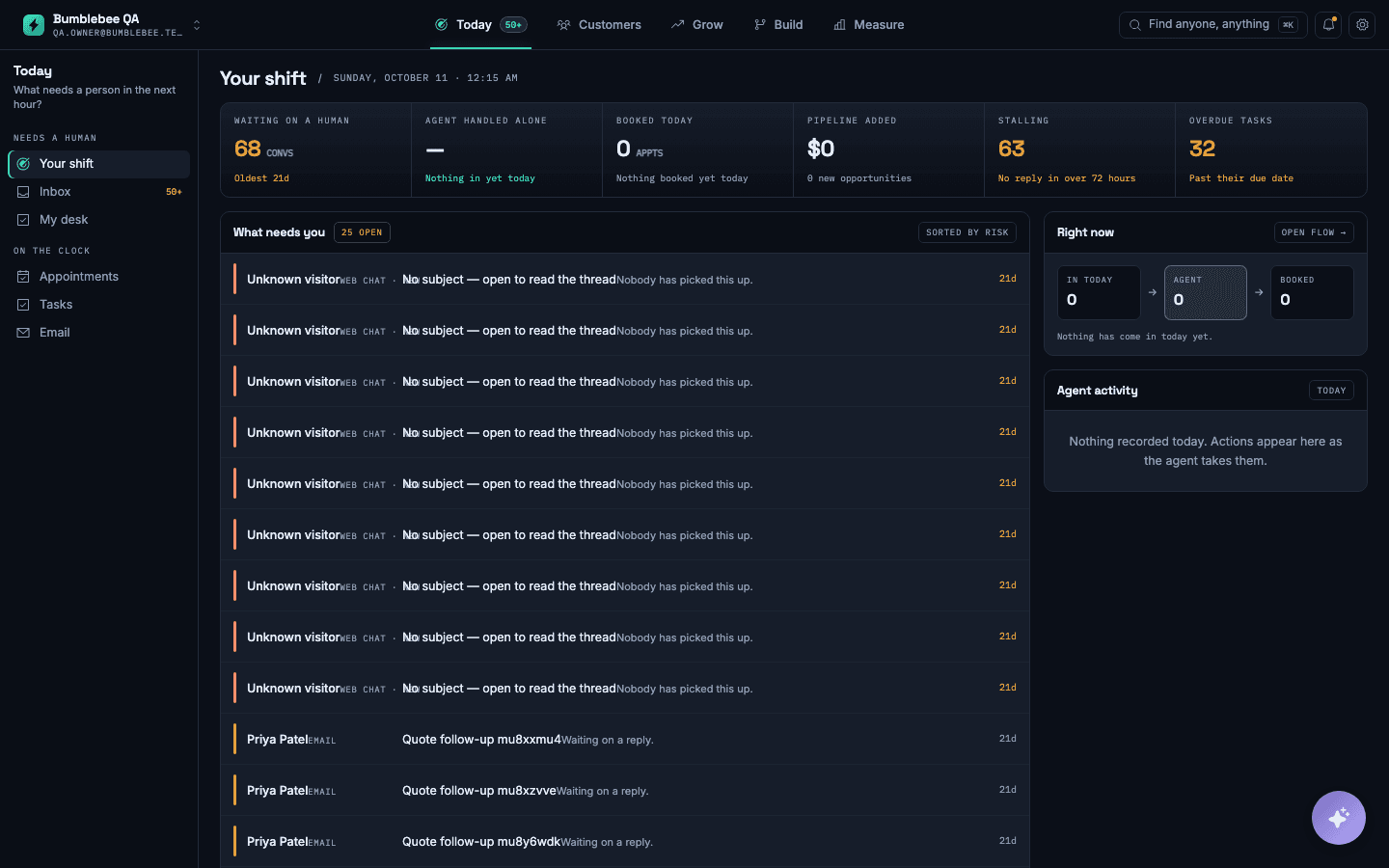
Every out-of-hours conversation in one list, with the appointments it booked and the ones it handed to you, with the full conversation attached.
What it does not do: It answers from what you have given it. If a question is not covered, it says it will check and passes the conversation to a person.