One inbox for the team
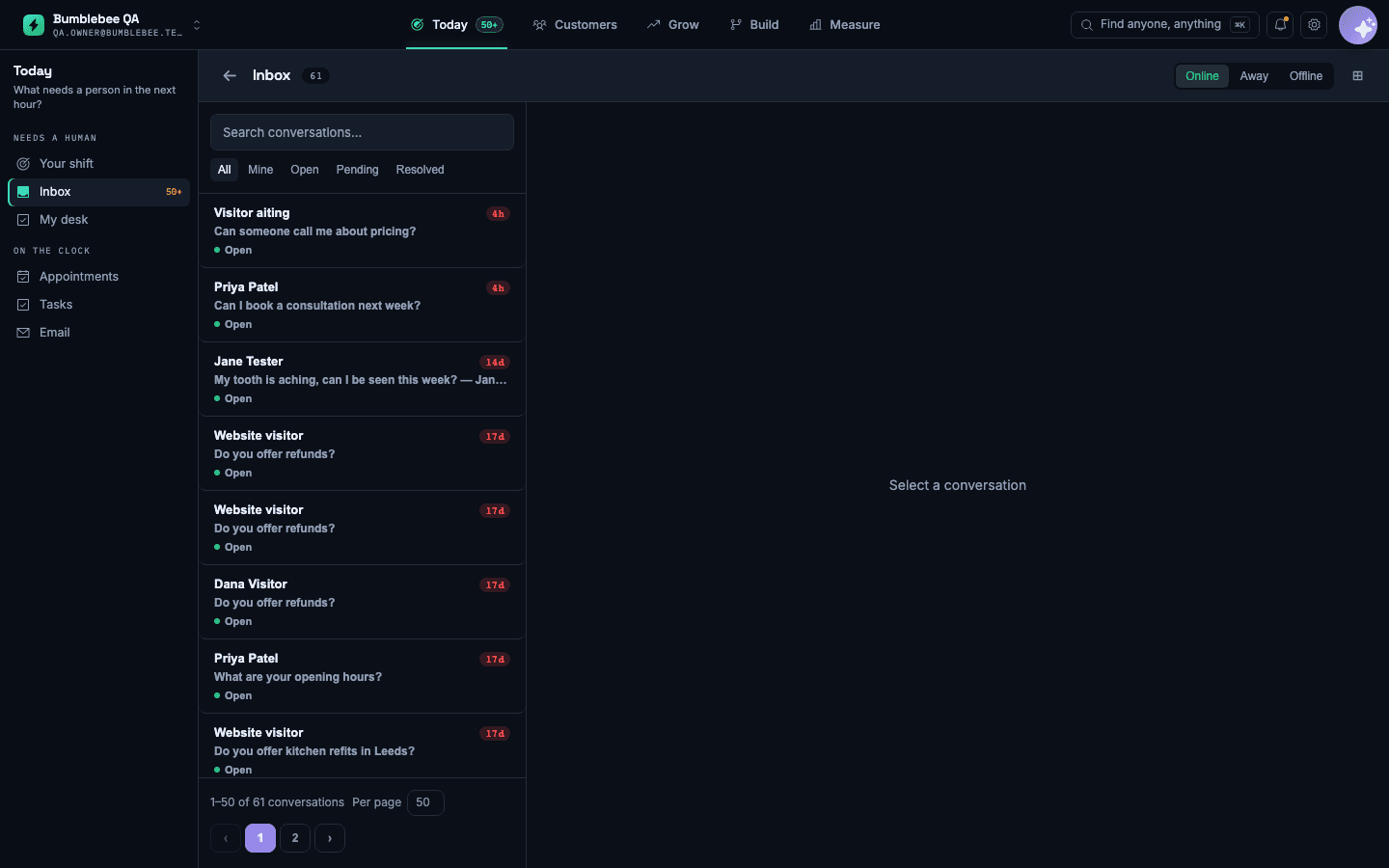
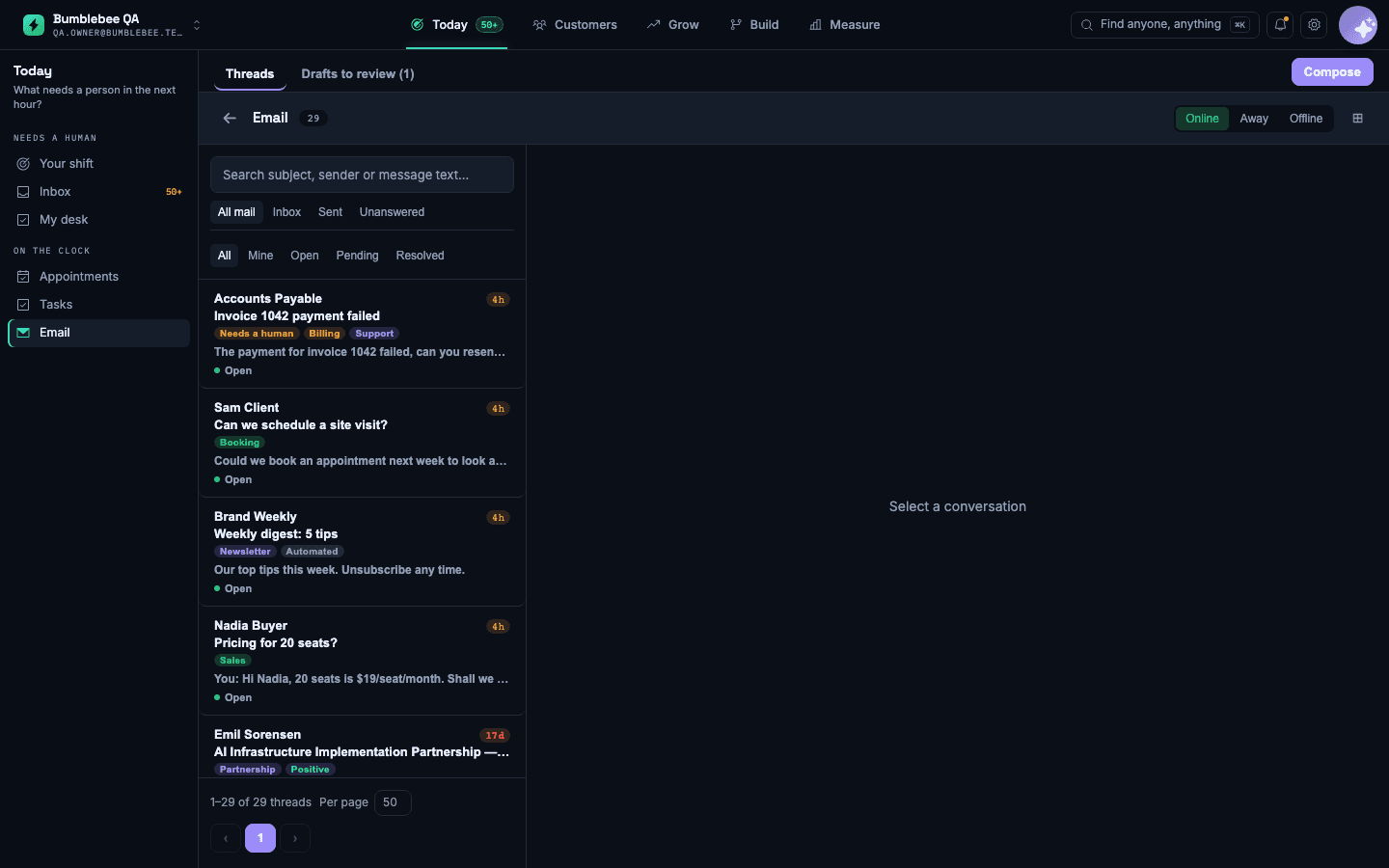
Everyone sees the whole conversation, whichever channel it came in on

The situation
A customer texts on Monday, calls on Wednesday and emails on Friday. Three people in the office handle those, and the customer repeats themselves each time.
How to set it up
- Connect your phone number, web chat, texts and the business email address.
- Add the team members who will answer, and set who owns which kinds of enquiry.
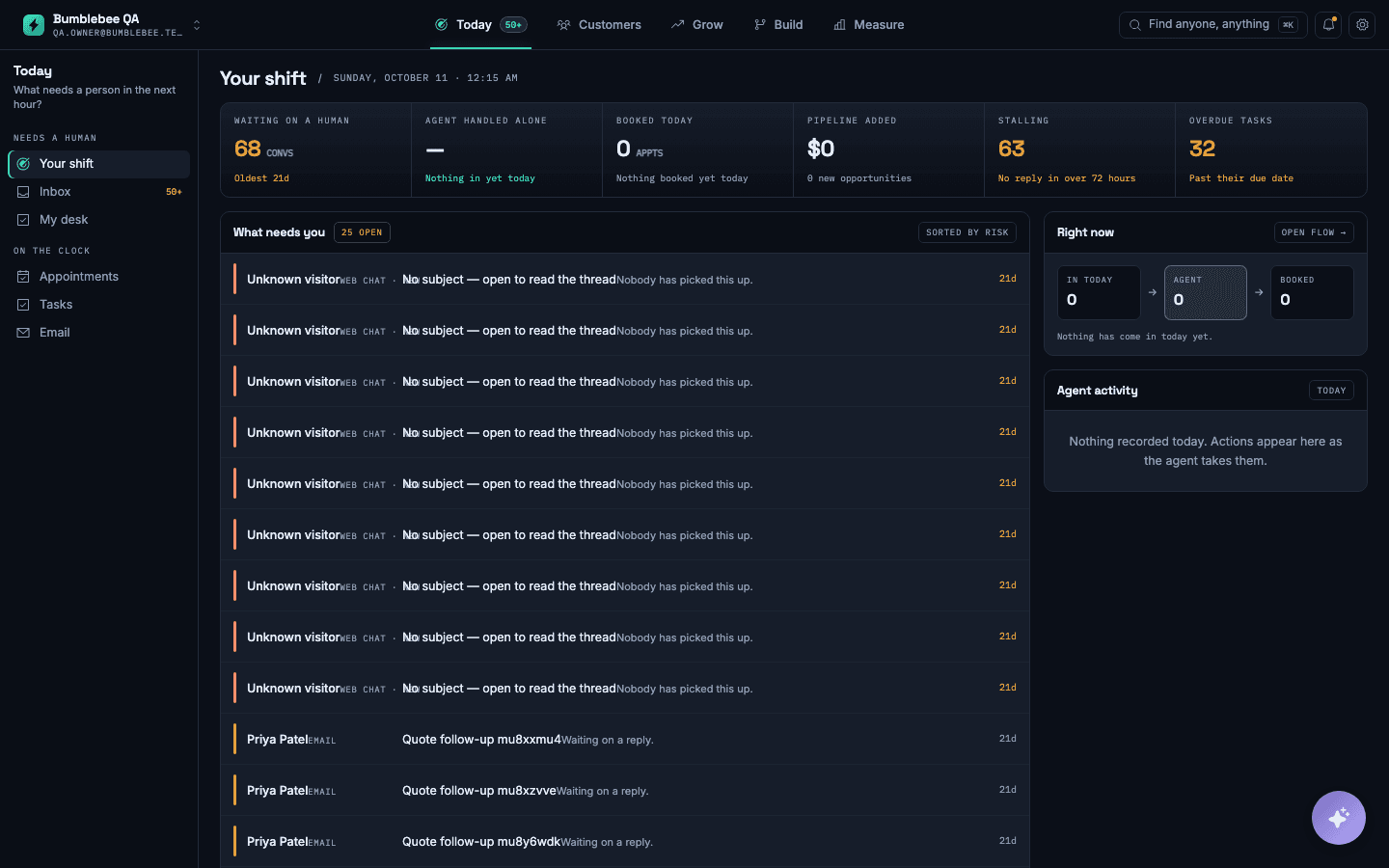
- Set a response target so nothing sits without an owner.
- Take over any conversation from the assistant at any point, including during a live call.
What you will see
One conversation per customer, in order, with what the assistant already tried and what is still waiting for a person.
What it does not do: Replies sent by a person are not sent automatically by the assistant; the assistant only answers the questions it is set up to answer.