Every conversation from every channel, in one queue
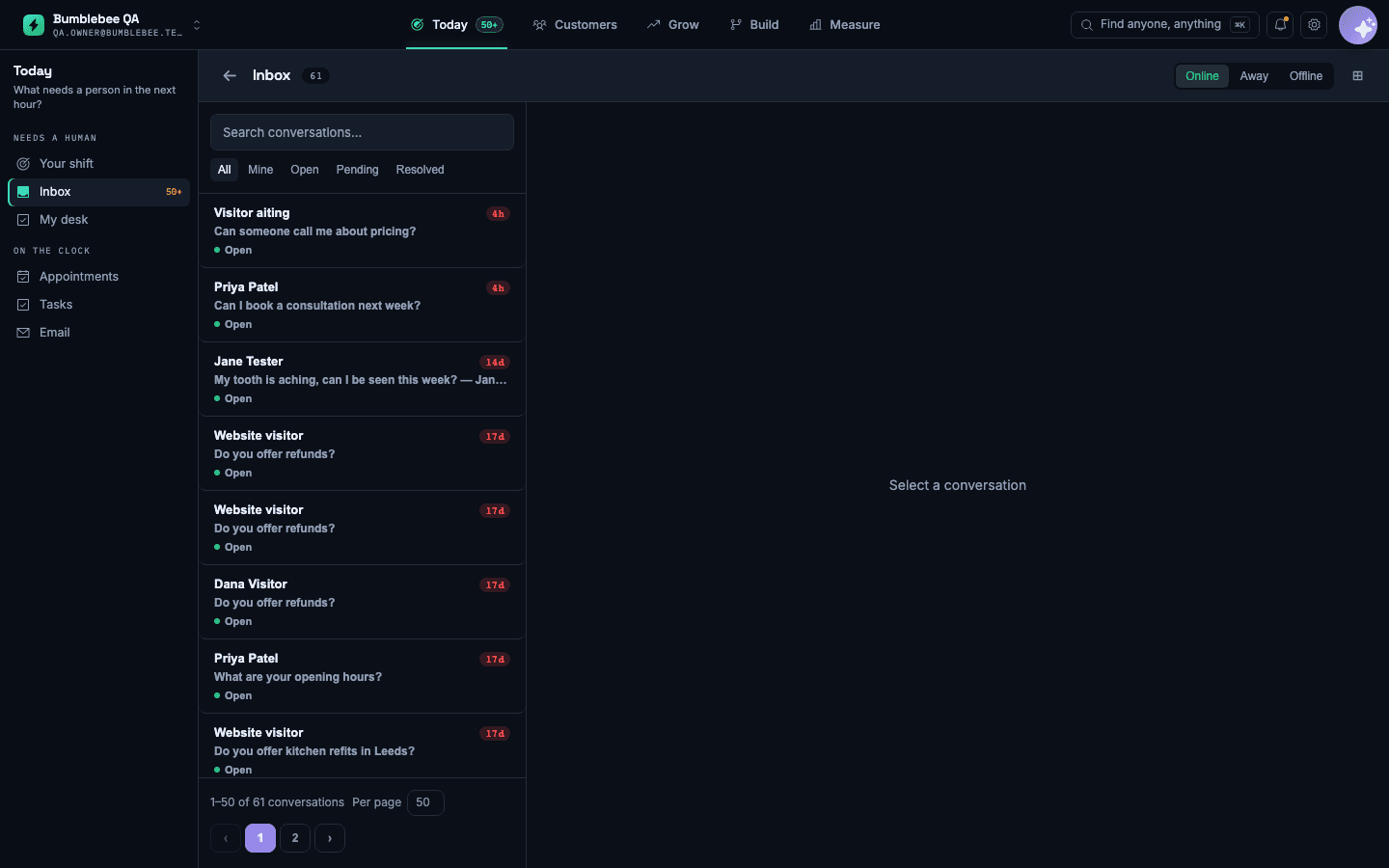
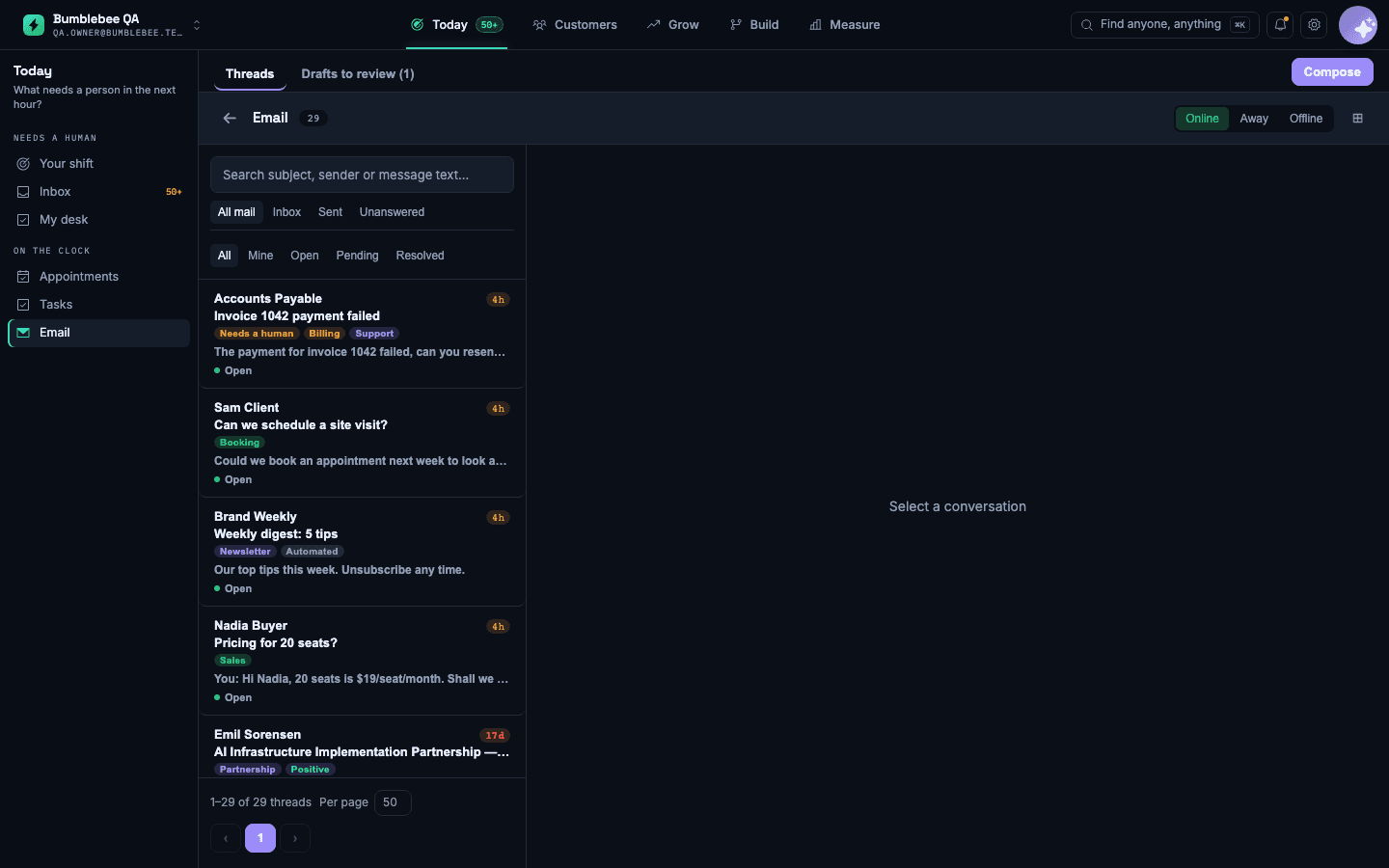
A customer texts on Monday, rings on Wednesday and emails on Friday. Three people in your business handle those, none of them knows about the other two, and the customer repeats themselves three times and concludes you are disorganised.
What it does
One conversation per customer
Everything they have ever sent you, however they sent it, in order. Whoever picks it up sees the whole history.
The AI does the first pass
Most conversations never reach a person at all. The ones that do arrive with a summary of what was asked and what the assistant already tried.
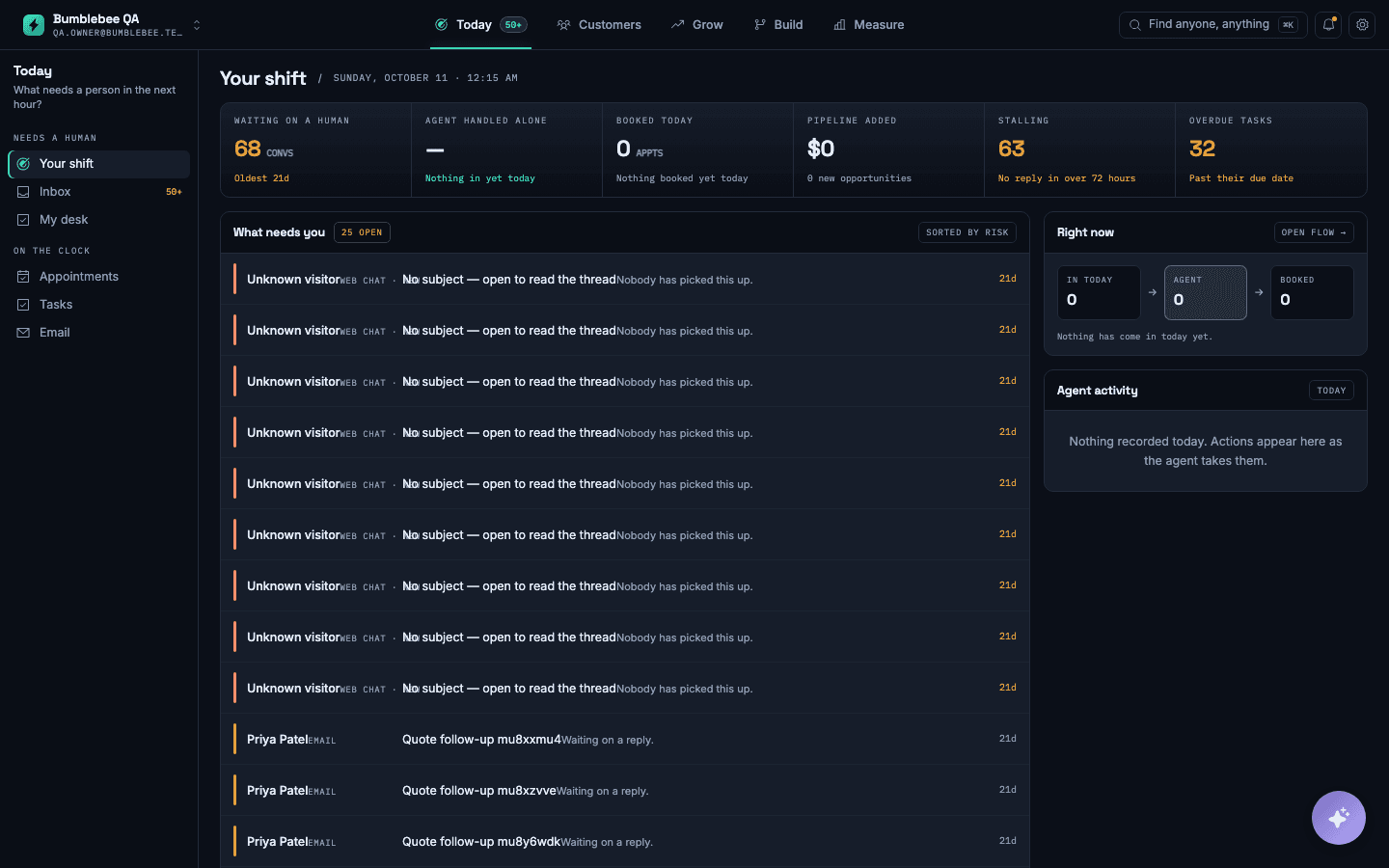
Clear owners and response times
Every conversation has an owner, a response-time target, and a clear list of what nobody has picked up yet. Nothing waits because everyone assumed someone else had it.
Questions people ask
Can I take over mid-conversation?
At any point, including while a call is live. The assistant stands down the moment you join and does not interrupt.
Does it work with my existing number?
Yes — you can port it or forward to it. People keep ringing the number on your van.
Works with
- AI receptionist — every enquiry answered in seconds, day or night
- Flow — find the step where customers drop out
- Booking and scheduling — turn interest into a confirmed appointment before it cools