What to automate first when you have no time to automate anything
The test
Three questions. A job worth automating answers yes to all three.
Does it happen constantly? Once a quarter is not worth it, however annoying.
Is it the same every time? If each instance needs judgement, you are not automating a task, you are trying to automate a person.
Is it currently done badly because nobody has time? This is the one people skip. Automating something already done well saves hours. Automating something being skipped creates revenue, which is a different order of return.
The four that almost always qualify
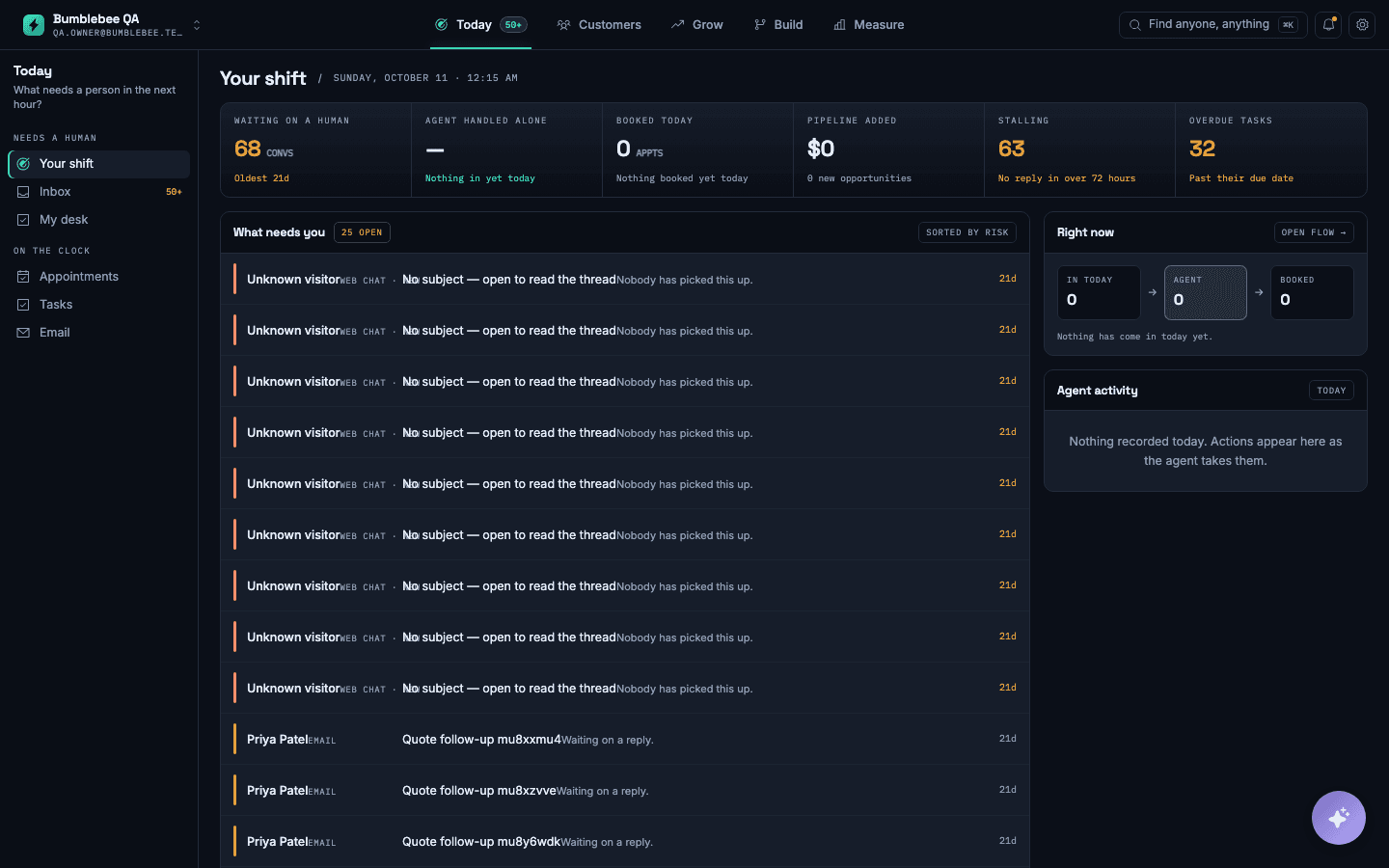
Answering first. Constant, identical in shape, and currently done badly because you are with a customer. The classic case.
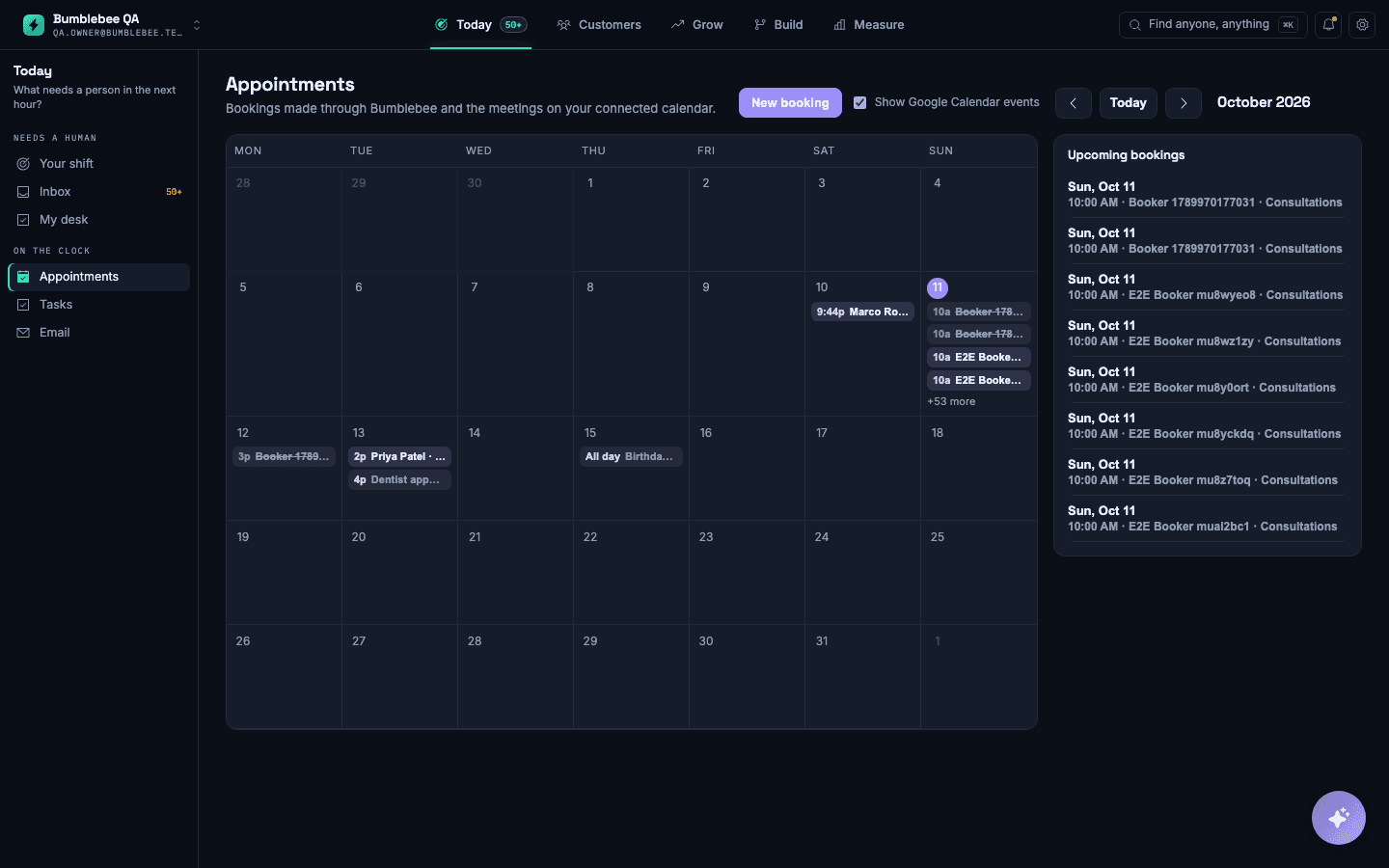
Booking. The step between wanting an appointment and having one is pure overhead, and every minute of delay costs conversion.
Asking for reviews. Nobody remembers. It is the same message every time. Done consistently it changes your listing within months.
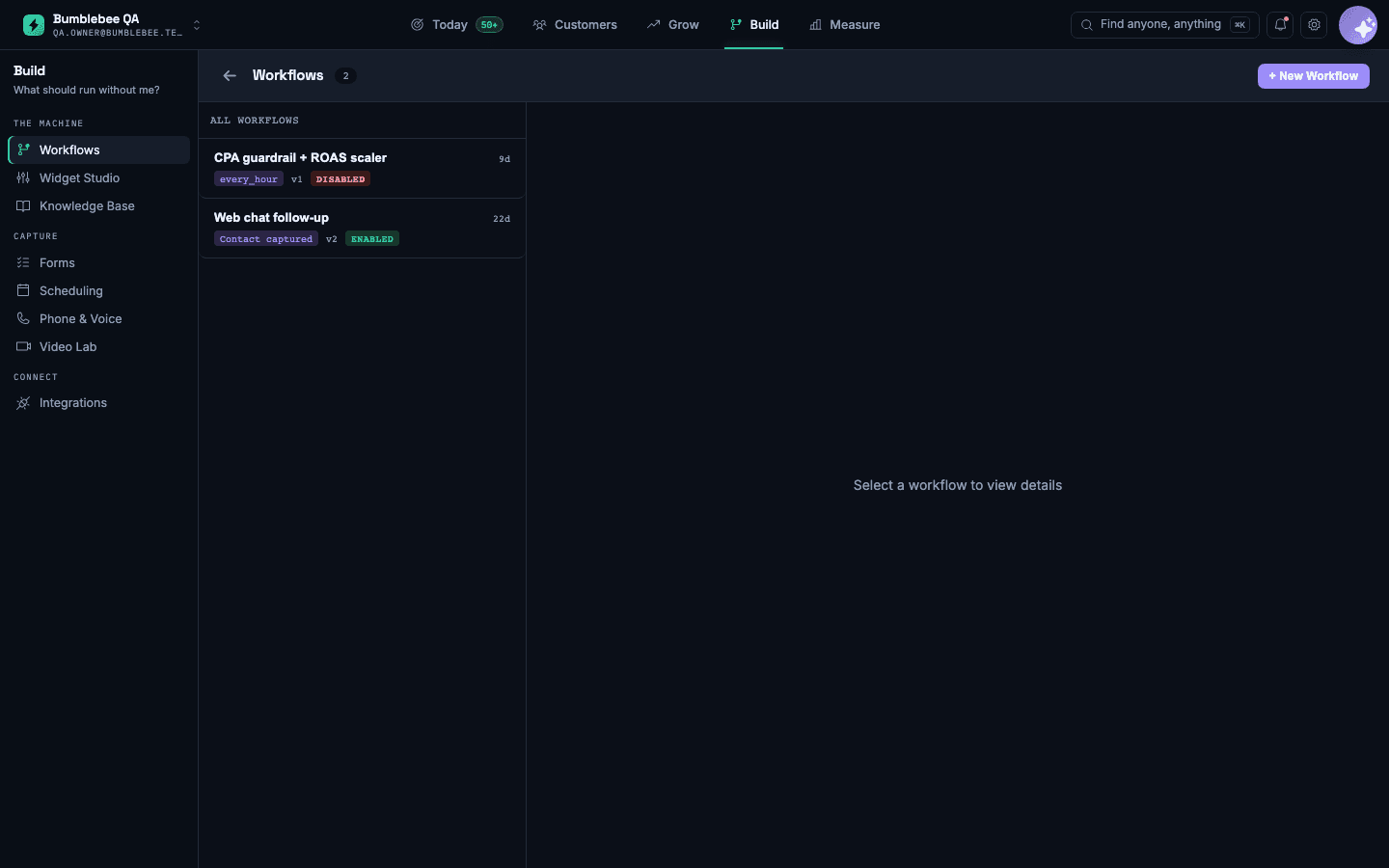
Following up on quiet enquiries. Everybody intends to. Almost nobody does it past the second attempt, which is where most of the value sits.
What not to automate
Anything where being wrong is expensive. Quotes above a threshold, anything clinical or legal, contract terms. Draft, yes. Send, no.
Your actual relationships. An automated happy-birthday to somebody you know well reads worse than silence.
A process that is broken. Automating a bad process gives you a bad process that runs faster and is now harder to change.
How to know it worked
Decide the number before you switch it on, and write it down. Not "save time" — a number.
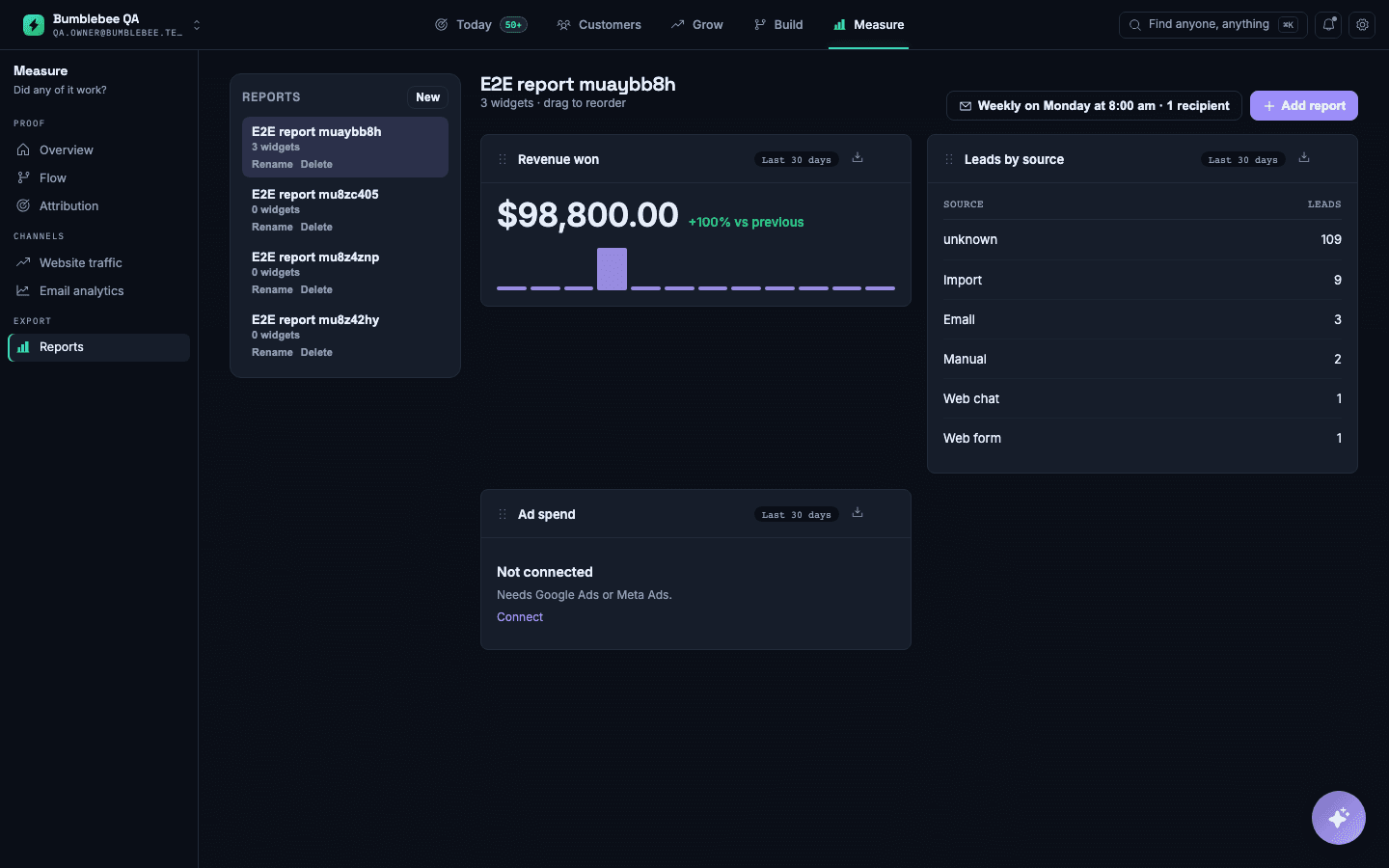
For answering first: unanswered enquiries per week, which should fall towards zero. For booking: the time between an enquiry arriving and an appointment existing. For reviews: new reviews per month. For follow-up: bookings from enquiries that had gone quiet.
Check it a month later. If it did not move, the automation is not the problem — the thing you automated was not the bottleneck, and you have learned something more valuable than the time you saved.
The hidden prerequisite
Almost every automation needs one thing written down that currently lives in somebody's head: your prices, your availability rules, the answers to the questions you get asked, who handles what.
This is why automation projects stall. The software is ready in an afternoon and the answers take three weeks, because nobody has ever had to write them down.
Do that part first and deliberately. It is useful even if you automate nothing — every new member of staff needs it anyway.
Start with one
The common failure is enthusiasm: six automations at once, none finished, all half-trusted, and a team that has quietly gone back to doing it by hand.
Pick the one with the clearest number attached. Run it for a month. Check it did what you expected before adding the second.