Answer each question once
Write the answer once, and let every channel use it
The situation
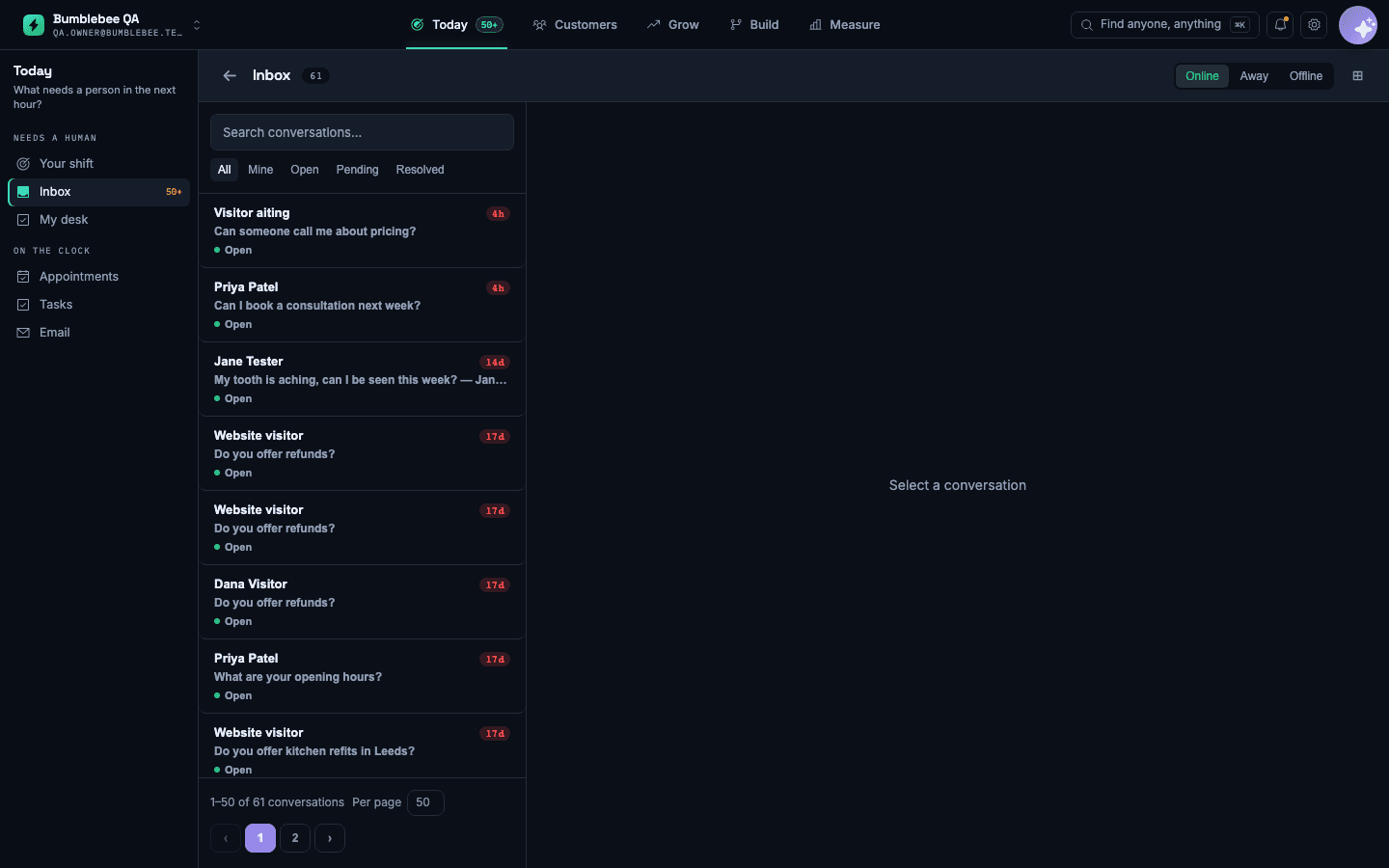
The same six questions come in every day: parking, weekend hours, whether you take a certain insurance. Each one is answered by hand, and the answers do not match.
How to set it up
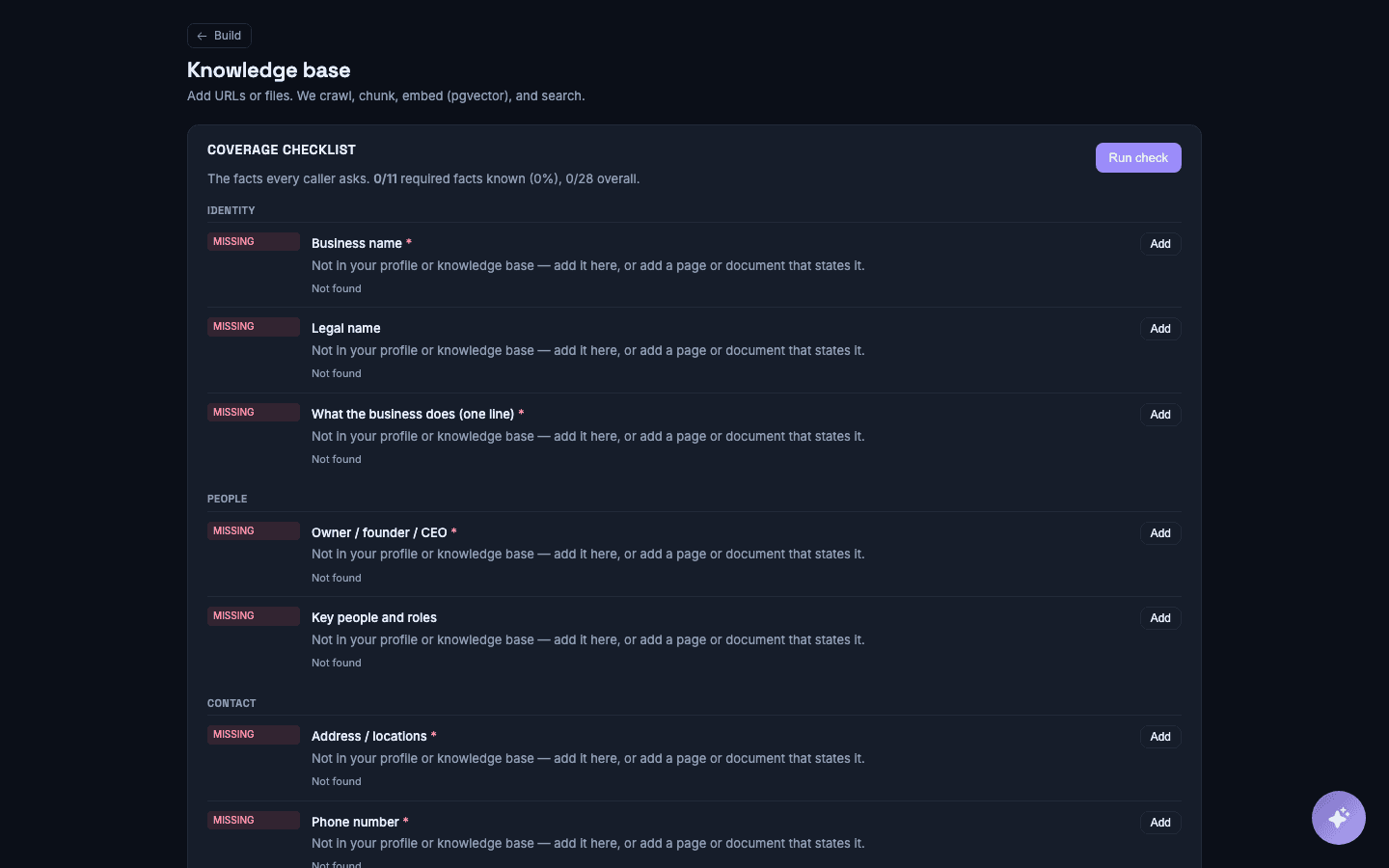
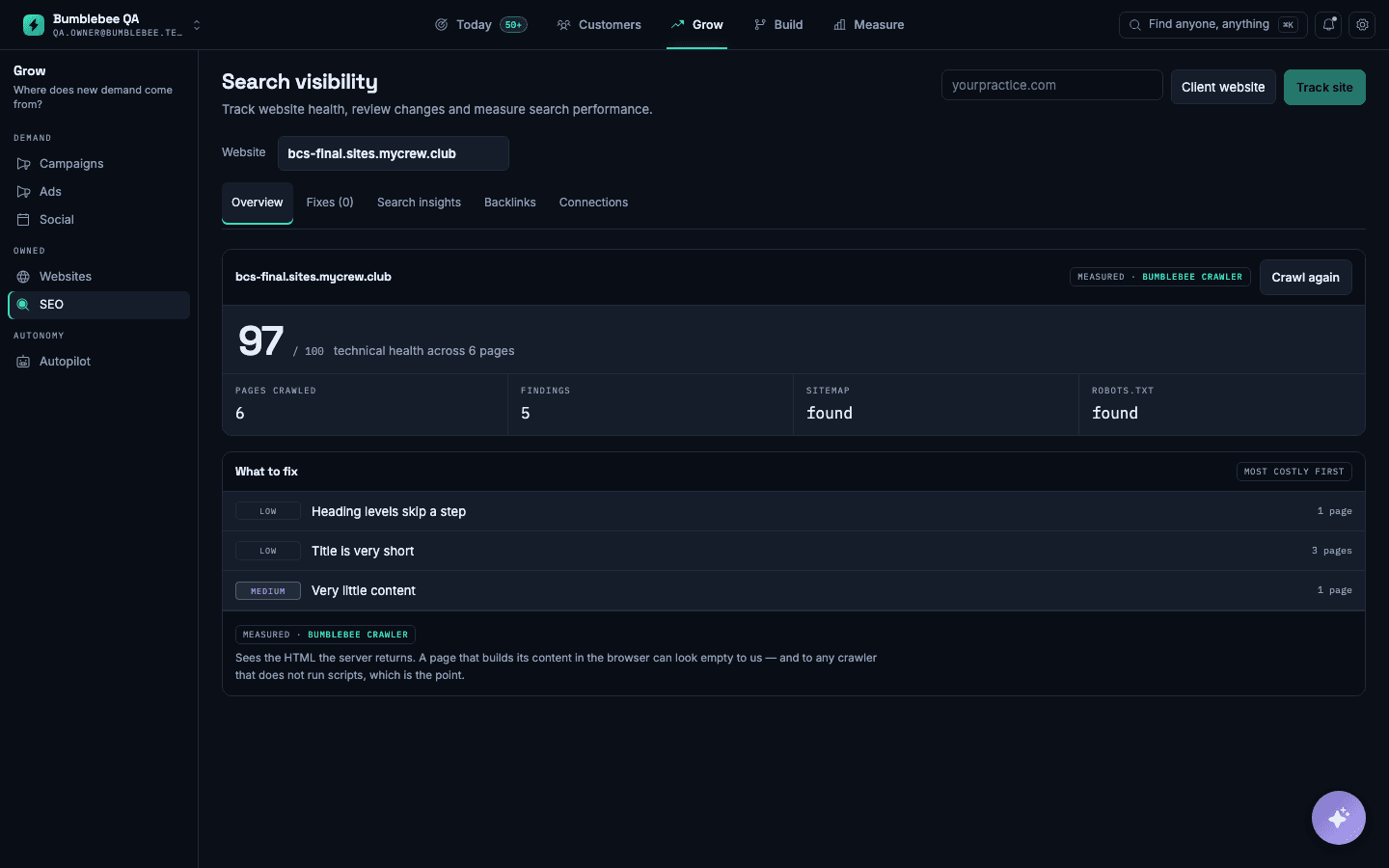
- Point Bumblebee at your website pages and upload any price lists or policy documents.
- Write answers to the questions you keep getting asked.
- Review the questions that came in without an answer, and add the ones that matter.
- Set the policy for anything the assistant should not answer on its own.
What you will see
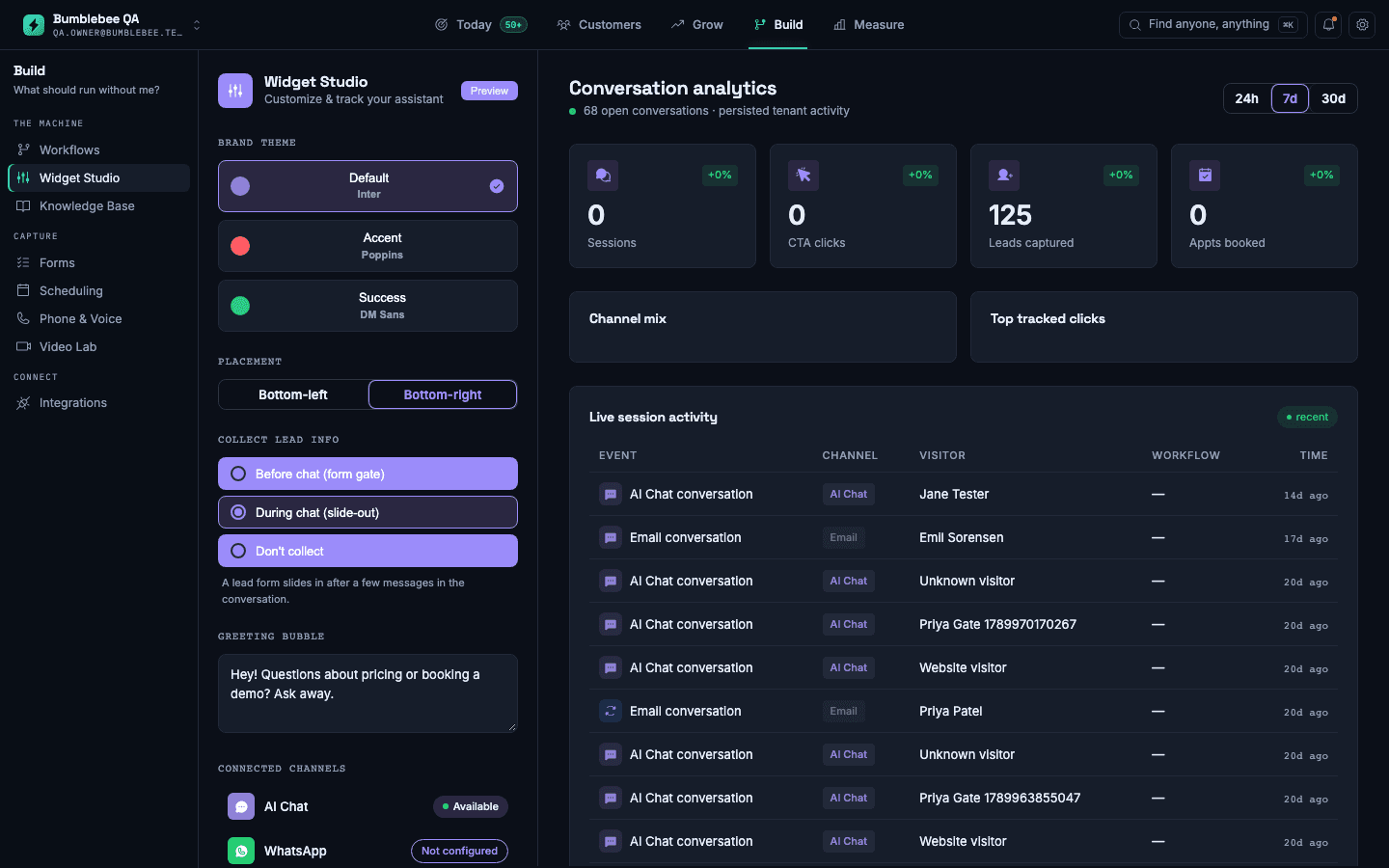
The same answer on every channel, and a list of gaps where customers asked something you have not written down yet.
What it does not do: It answers only from what you have written or published. If an answer is missing, it says so and asks a person rather than guessing.